
Small Image Collider 1.1
Small Image Collider 1.1
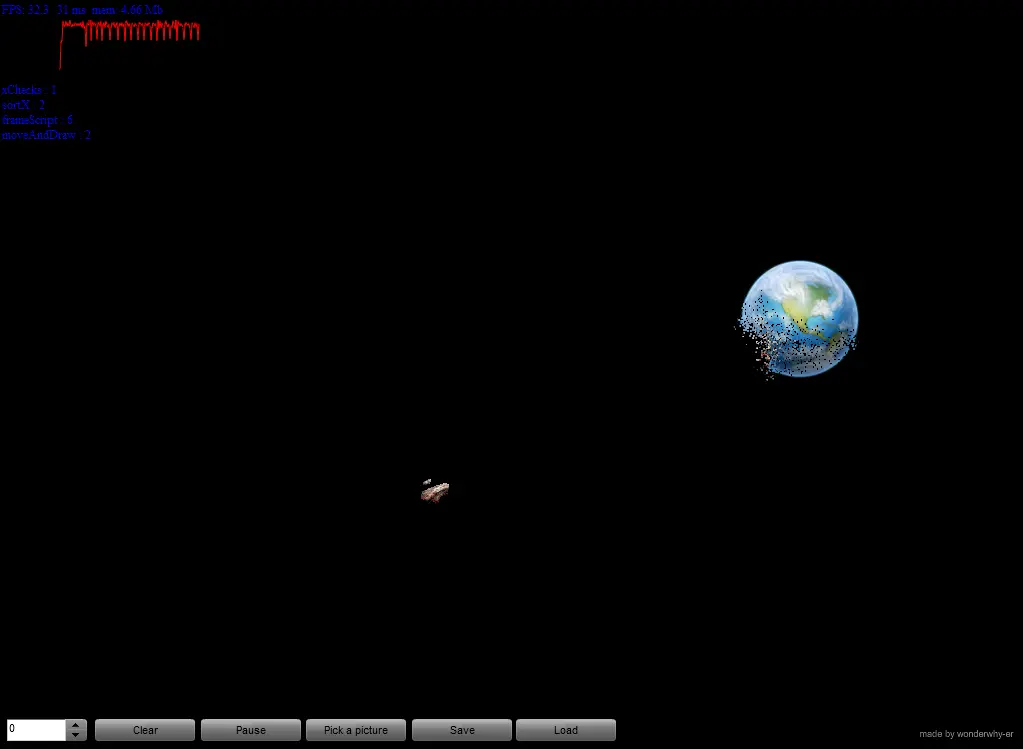
After making this https://wonderwhy-er.deviantart.com/art/Collision-study-5-151631461 I was thinking to make some toy where you load images and can collide them :) did not had time then. Well made new version in couple of last days here https://wonderwhy-er.deviantart.com/art/Ball-Collision-Study-8-176505732 and decided to go and make a Small Image Collider :) how to use 1) Click and drag to send object flying 2) Use "Pick" button to change object (load picture from your HDD) 3) Save or load scenes using save and load buttons(save to HDD) 4) Share scenes trough various file hosting sites and post links here ;) One more thing. If picture you choose is PNG and it has transparent pixels then those will not be created. So better use PNGs :) Warning Do not pick too big images or you may end up hanging the browser. Pick some icons of 100x100 sizes at max. P.S Just google for some pngs, preferably small ones to use in this. I had plenty of fun with various bullets, spaceships, meteorites, planets and other stuff you could google out to use in this ;) Update Made changes to how it works, check "how to use section of comment", hopefully now it is more user friendly ;) Also you can now save and load your scenes ;) And share them here with me and everyone ;)
About BeeGames social
Playground and Play together are the BeeGames social layer — so you're never just playing alone.
What is a Playground?
Your Playground is your own personal game homepage. Pin the games you love, give it a name and a short bio, then make it public to share your personal arcade with anyone.
How do I use my Playground?
On any game page, tap “Playground” to pin that game. Head to My Playground to edit its name, bio and layout, then share your public link with friends.
What is Play together?
Play together lets you co-play the same game with friends in real time. Open a game room and everyone can play side by side while chatting in the room — like crowding around one screen, online.
How do I play with friends?
Tap “Play together” on a game page, pick a public room or a private one with a password, then share the room link with friends. You can also browse and join open rooms from the Lobby.