
Bob's Busy Boxing Business
Bob's Busy Boxing Business
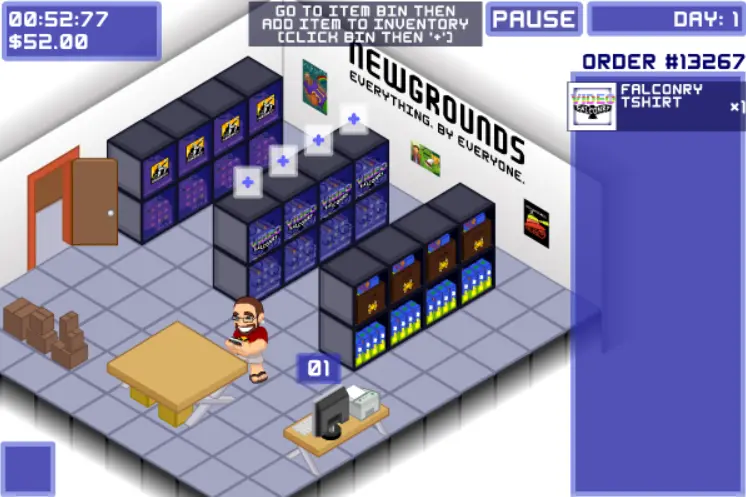
Use your mouse - click on something to go to it, once near object, further clicks do other functions. The first level has some walkthrough stuff to follow. Instructions via KiaMatarie: 1 get the list off the computer 2 grab all the products you need 3 lay them on table 4 grab a box they will all fit in 5 put the objects in the box so they will all fit without overfilling box (you can rotate box and objects to make them fit better) 6 hit the ship button Post if you have problems. Thanks. -Richie
About BeeGames social
Playground and Play together are the BeeGames social layer — so you're never just playing alone.
What is a Playground?
Your Playground is your own personal game homepage. Pin the games you love, give it a name and a short bio, then make it public to share your personal arcade with anyone.
How do I use my Playground?
On any game page, tap “Playground” to pin that game. Head to My Playground to edit its name, bio and layout, then share your public link with friends.
What is Play together?
Play together lets you co-play the same game with friends in real time. Open a game room and everyone can play side by side while chatting in the room — like crowding around one screen, online.
How do I play with friends?
Tap “Play together” on a game page, pick a public room or a private one with a password, then share the room link with friends. You can also browse and join open rooms from the Lobby.