
Cat Cafe (Beta Version)
Cat Cafe (Beta Version)
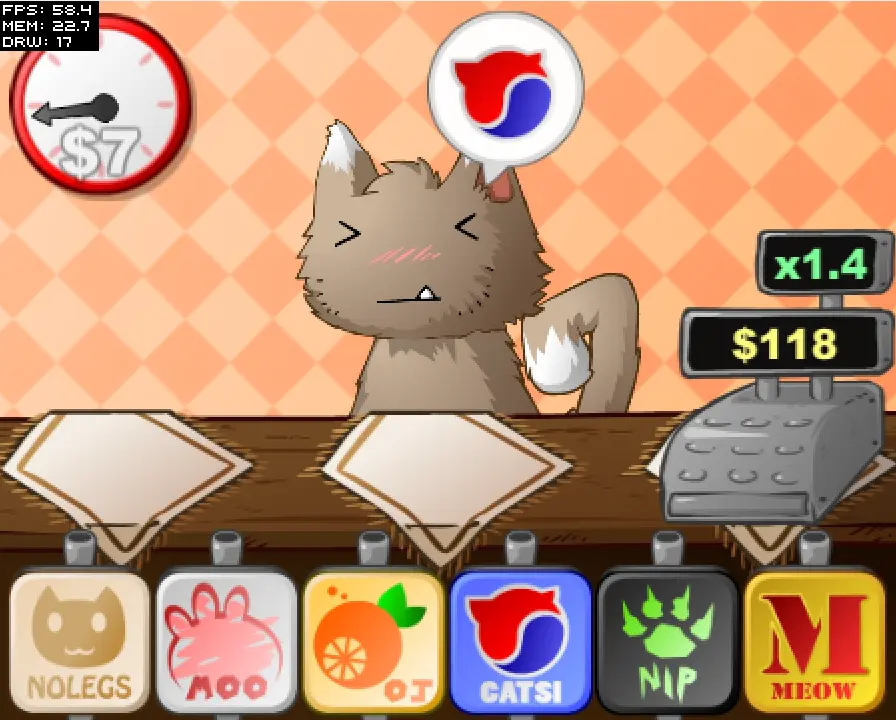
Testing instructions: • Since this is running in FlashPlayer and not Air, some features don’t quite work as intended. • This is the mobile version of Cat Cafe, you should pretend you’re playing it on a mobile device. • The mouse is your finger/stylus. • The space-key is the back or home button on your device, try it out sometimes. It usually just takes you to the main menu or pauses. • This game is designed to be played for 5 minutes at a time. If it starts feeling grindy, click the “get $$$” button on the main menu to cheat. • The game might lose focus sometimes, meaning that the music might stop or the space key won’t work. Just click anywhere to regain focus. This is Flashplayer’s fault and works fine in Air. • This is the square-est aspect ratio the game supports, but most devices will have a wider one, so the clock and cash register will be further to the sides, and things will be less cluttered. • I’m mainly testing the game logic here, not so much the usability. What’s not finished: • The links to Google Play are not ready yet, so you can’t donate or rate. • The ads Aren’t done either. • The screenshot feature is disabled because it requires Air. • I’ll optimize the game a bit more for phones, but you don’t have to worry about that now. What to test: • Check if all of the achievements are possible, use the money cheat if you want. Might be a hard with mouse controls though. 😛 • Check that data is saved correctly when you reload the game, and also that everything is deleted when you clear the data. • Check that all the buttons and menus work, except the broken links mentioned above. Also use the space-key to exit menus. • Look out for spelling mistakes. • Look out for bugs and strange behavior, obviously. • Performance is not really an issue right now, since you won’t be playing this on a PC anyway. But if you aren’t getting at least 30 fps, you should be worried. • No one has tested this except for me so far, so I’m looking for feedback in general. I’ll release this on Android as soon as I finish setting up my Google account stuff, and figure out how to implement in-app purchases.
About BeeGames social
Playground and Play together are the BeeGames social layer — so you're never just playing alone.
What is a Playground?
Your Playground is your own personal game homepage. Pin the games you love, give it a name and a short bio, then make it public to share your personal arcade with anyone.
How do I use my Playground?
On any game page, tap “Playground” to pin that game. Head to My Playground to edit its name, bio and layout, then share your public link with friends.
What is Play together?
Play together lets you co-play the same game with friends in real time. Open a game room and everyone can play side by side while chatting in the room — like crowding around one screen, online.
How do I play with friends?
Tap “Play together” on a game page, pick a public room or a private one with a password, then share the room link with friends. You can also browse and join open rooms from the Lobby.