
Command Drawer
Command Drawer
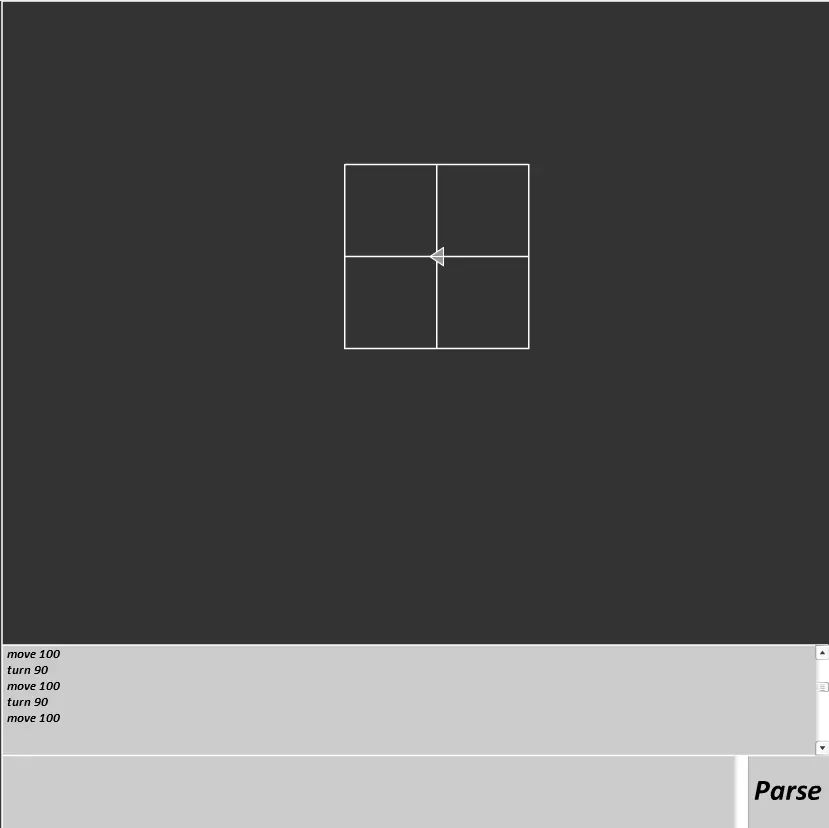
Something I made today :D For help on how to use it, type "help" in the text box and press the button :) Lowercase chars as well please ;] Post anything interesting you make :D A few examples: Square: reset all move 100 turn 90 move 100 turn 90 move 100 turn 90 move 100 Squary Spiral: reset all var segLength = 5 for 0 100 1 move segLength and segLength += 5 and turn 90 Colourful Spiral: reset all var red = 0 var width = 0 var speed = 0 var blue = 255 loop 0 2000 1 move speed and red += 0.1 and width += 0.025 and thickness width and colour red 255 blue and turn 1 and speed += 0.004 and blue -= 0.1275
About BeeGames social
Playground and Play together are the BeeGames social layer — so you're never just playing alone.
What is a Playground?
Your Playground is your own personal game homepage. Pin the games you love, give it a name and a short bio, then make it public to share your personal arcade with anyone.
How do I use my Playground?
On any game page, tap “Playground” to pin that game. Head to My Playground to edit its name, bio and layout, then share your public link with friends.
What is Play together?
Play together lets you co-play the same game with friends in real time. Open a game room and everyone can play side by side while chatting in the room — like crowding around one screen, online.
How do I play with friends?
Tap “Play together” on a game page, pick a public room or a private one with a password, then share the room link with friends. You can also browse and join open rooms from the Lobby.