
Interactive Scenery
Interactive Scenery
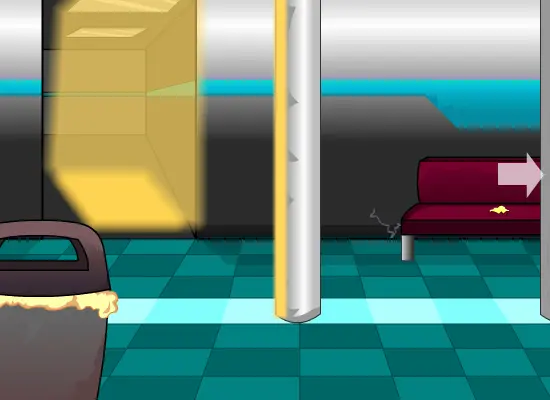
*Edit* Uploaded the wrong file earlier it's fixed now. --; For the game I'm currently working on. Well, this is just scenery, there is an invisible arrow on the right side of the screen you have to hover you mouse over to go to the next scene that's toot he right. It's only two scenes here just showin gyou my progress so far. There won't be anymore interactive scenes, th emost you'll see is still scenes, possibly in scraps. For now, enjoy clicking on the arrow, door and that's about it. You have to wait for the real thing... ..and wait til I get better with Backgrounds...-shakes her head-
About BeeGames social
Playground and Play together are the BeeGames social layer — so you're never just playing alone.
What is a Playground?
Your Playground is your own personal game homepage. Pin the games you love, give it a name and a short bio, then make it public to share your personal arcade with anyone.
How do I use my Playground?
On any game page, tap “Playground” to pin that game. Head to My Playground to edit its name, bio and layout, then share your public link with friends.
What is Play together?
Play together lets you co-play the same game with friends in real time. Open a game room and everyone can play side by side while chatting in the room — like crowding around one screen, online.
How do I play with friends?
Tap “Play together” on a game page, pick a public room or a private one with a password, then share the room link with friends. You can also browse and join open rooms from the Lobby.