
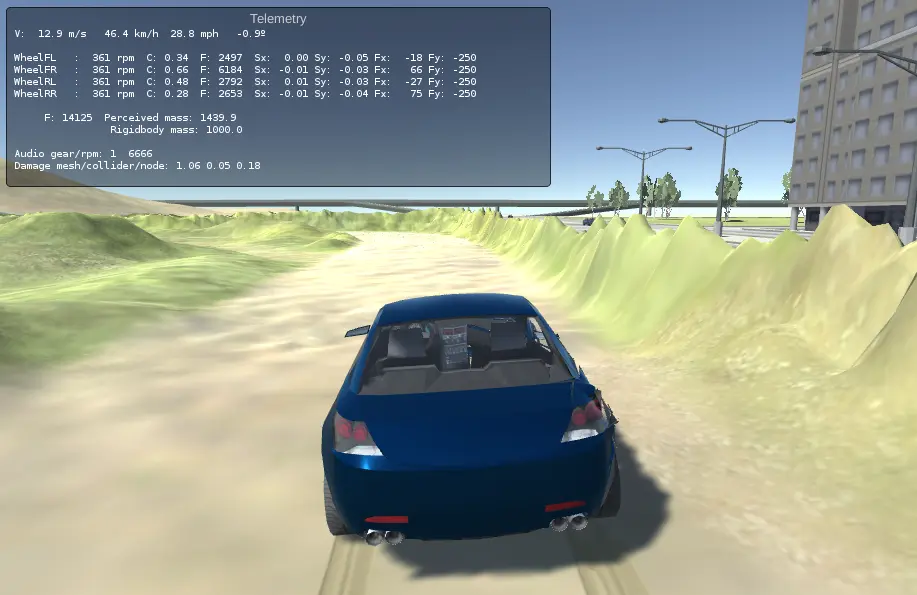
Edy’s Vehicle Physics Demo
Edy’s Vehicle Physics Demo
Controls: WSAD or arrows Throttle, brake, steering. Space Handbrake. Enter Reset vehicle (e.g. if it rolls over). C Change camera. Tab or Page Up / Page Down Select vehicle. E Makes the gray stone to “jump”. Useful for load tests. R Repair vehicle damage. T Slow motion time mode on/off. P Pause vehicles. Camera and vehicle selection can be used while paused. Y Show/Hide telemetry. shift-Y Change Telemetry mode. Esc Reset scene
About BeeGames social
Playground and Play together are the BeeGames social layer — so you're never just playing alone.
What is a Playground?
Your Playground is your own personal game homepage. Pin the games you love, give it a name and a short bio, then make it public to share your personal arcade with anyone.
How do I use my Playground?
On any game page, tap “Playground” to pin that game. Head to My Playground to edit its name, bio and layout, then share your public link with friends.
What is Play together?
Play together lets you co-play the same game with friends in real time. Open a game room and everyone can play side by side while chatting in the room — like crowding around one screen, online.
How do I play with friends?
Tap “Play together” on a game page, pick a public room or a private one with a password, then share the room link with friends. You can also browse and join open rooms from the Lobby.