
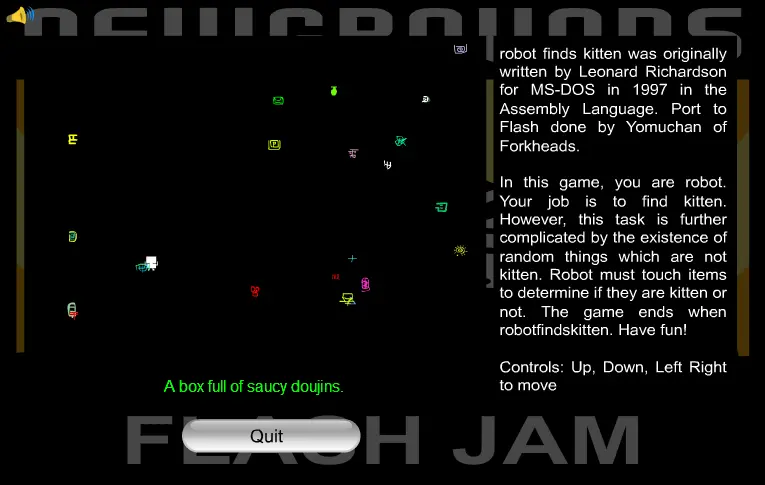
Robot Finds Kitten
Robot Finds Kitten
I first made this as a challenge response when asked "Can I add a minigame to a loading screen?". Of course, I failed. That was then, and this is now. This was picked out as a fun challenge to recreate for the Flash Forward Jam and I drastically added to the game area which was originally 250x250. Since then, I've learned a lot about code optimization and added a lot more variety of objects to explore. More history and information on this classic free game can be found here: http://robotfindskitten.org/ It's a wild ride, so pack some snacks! The swf file, sans audio is a tiny 54kb. With the audio, it goes up to 345kb. Flash as a game medium sure is amazing...
About BeeGames social
Playground and Play together are the BeeGames social layer — so you're never just playing alone.
What is a Playground?
Your Playground is your own personal game homepage. Pin the games you love, give it a name and a short bio, then make it public to share your personal arcade with anyone.
How do I use my Playground?
On any game page, tap “Playground” to pin that game. Head to My Playground to edit its name, bio and layout, then share your public link with friends.
What is Play together?
Play together lets you co-play the same game with friends in real time. Open a game room and everyone can play side by side while chatting in the room — like crowding around one screen, online.
How do I play with friends?
Tap “Play together” on a game page, pick a public room or a private one with a password, then share the room link with friends. You can also browse and join open rooms from the Lobby.