
Collision Sparks
Collision Sparks
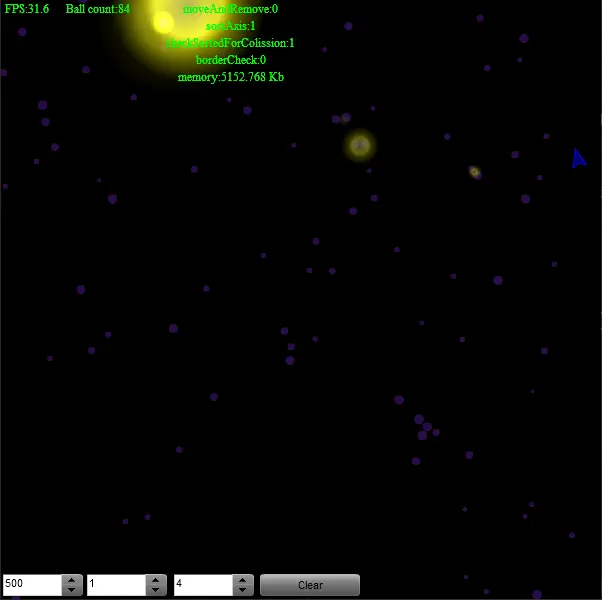
This is version of https://wonderwhy-er.deviantart.com/art/Colission-Study-V3-1-99018669 with some effects added and changes in how you interact with it ;) Effects inspired by Flight404 http://vimeo.com/1799387 Controls First box is maximal ball count. If there is more on stage then balls start to break on collisions. Second box is minimal ball count. If there is less then some are created at borders. Third box is created ball speed. IF set to 0 then balls are created under the cursor. If set higher then they are shot from cursor position with set speed. Be careful as too much energy in system makes explosions big ;) Move mouse to give it a direction. Click to create/shoot balls from the mouse ;) P.S: Will need to add some dumping as adding too many balls leads to complete madness and lags :D Update Fixed bug with balls disappearing while mouse button is pressed and reappearing when it is released. Also how balls are removed was fixed.
About BeeGames social
Playground and Play together are the BeeGames social layer — so you're never just playing alone.
What is a Playground?
Your Playground is your own personal game homepage. Pin the games you love, give it a name and a short bio, then make it public to share your personal arcade with anyone.
How do I use my Playground?
On any game page, tap “Playground” to pin that game. Head to My Playground to edit its name, bio and layout, then share your public link with friends.
What is Play together?
Play together lets you co-play the same game with friends in real time. Open a game room and everyone can play side by side while chatting in the room — like crowding around one screen, online.
How do I play with friends?
Tap “Play together” on a game page, pick a public room or a private one with a password, then share the room link with friends. You can also browse and join open rooms from the Lobby.