"Build a Tree" Dendrochronology Activity
Spieler
29
Bewertung
4.5★
Kategorien
Biology
Über
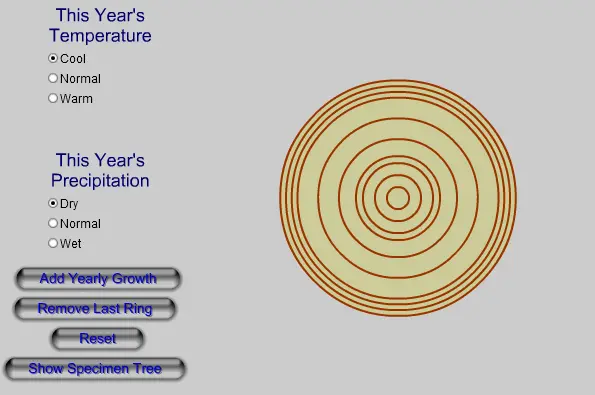
The interactive diagram below demonstrates a very simple model of tree ring growth. Select a temperature range (Normal, Cool, or Warm) and a precipitation amount (Normal, Dry, or Wet) for the coming year. Click the "Add Yearly Growth" button. The tree (which you are viewing a cross-section of the trunk of) grows one year's worth, adding a new ring. Add some rings while varying the temperature and precipitation. Which of these factors has a stronger influence on the growth of the type of tree being modeled here? Use the "Reset" button to start over. The "Show Specimen Tree" button displays a section of an "actual" tree specimen. Can you model the annual climate during each year of the specimen tree's life, matching your diagram with the specimen, to determine the climate history "written" in the rings of the specimen tree? (The "answer" is listed below, lower down on this page).
Ersteller
Windows to the Universe
Spielestudio
Kategorie
Biology
Typ
Minispiel
Veröffentlicht
Kürzlich
Spieler
29
Mehr von Windows to the Universe
Mehr Biology-Spiele
Das könnte dir auch gefallen
Trend-Spiele, die andere Spieler gerade lieben.