
Microsoft Windows Mista Tutorial
Microsoft Windows Mista Tutorial
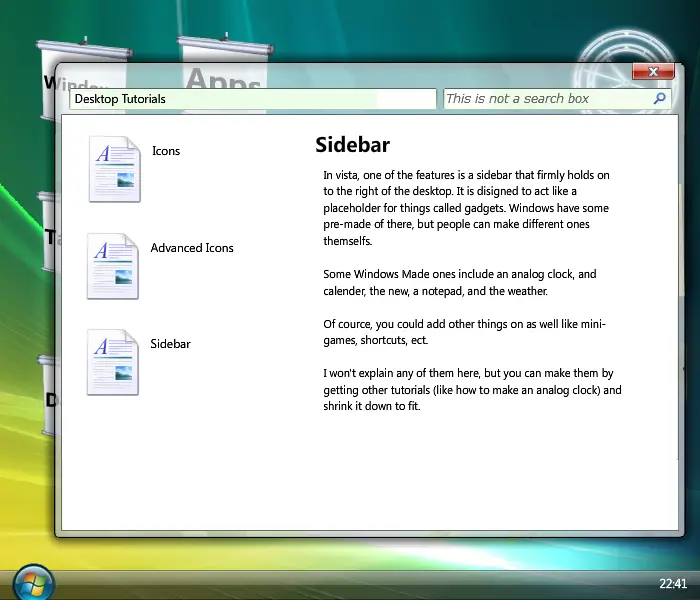
A tutorial to help people make better Windows Parodies. Author Comments: NOTE: If you have any trouble with the tutorials, PM me, and i'll be glad to help. ;-) It's about time someone tried to help people make better parodies or simulators of Windows. I've seen a countless amount of windows pardoies that have no structure to them, only frame after frame of windows and errors. There are a few good one, and they get recognised by being put on the Windows colection page. But, however, the average Windows parody is still abysmal. So, to try to help forward this movement from bad to good (or at least something better), i've made a tutorial of how to make Windows, in my original Windows Simulator. So, it's like having Windows explained to you in Windows in Internet Explorer in Windows. Confused? Good. -=-Features-=- -Tutorials ---Windows ---Taskbar ---Desktop ---Applications -Part of Windows Mista to demostrate -Music player -=-Bugs-=- - Report any you find. :-)
About BeeGames social
Playground and Play together are the BeeGames social layer — so you're never just playing alone.
What is a Playground?
Your Playground is your own personal game homepage. Pin the games you love, give it a name and a short bio, then make it public to share your personal arcade with anyone.
How do I use my Playground?
On any game page, tap “Playground” to pin that game. Head to My Playground to edit its name, bio and layout, then share your public link with friends.
What is Play together?
Play together lets you co-play the same game with friends in real time. Open a game room and everyone can play side by side while chatting in the room — like crowding around one screen, online.
How do I play with friends?
Tap “Play together” on a game page, pick a public room or a private one with a password, then share the room link with friends. You can also browse and join open rooms from the Lobby.