
Broth 0.5
Broth 0.5
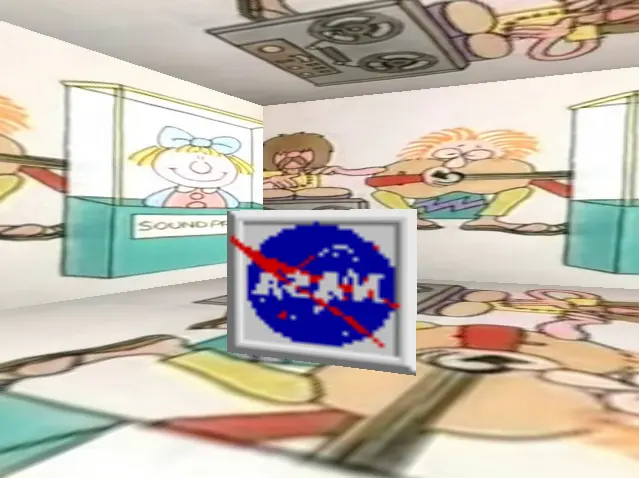
This is a game inspired by soup 0.9, which itself was inspired by LSD Dream Emulator. If you've played soup 0.9 before, you know roughly what to expect. If not... just try bumping into the walls and see what happens. The main differences between this and soup 0.9 is that the rooms are fully randomised, and that the game will not abruptly end. Broth 0.5 keeps going until you've had enough of it, and decide to quit of your own accord. The controls are a standard WASD / mouse setup. Whether you're playing in the browser or running the Windows executable, you'll most likely want to click within the game window to make things easier for yourself. Pressing ESC after doing so will uncapture the cursor. All the wall images are taken from VHS rips of various British TV recordings, from the early 80s up until the late 90s. All the images located in the middle of each room are taken from a 90s CD ROM of clip art. Broth is almost the same thing as soup, but differs slightly from the latter by being both quite thin in consistency and having a certain lightness of flavour. It is also sometimes used as the starting point for another dish, like a stew. Produced in Construct 3 using the basic 3D functionality.
About BeeGames social
Playground and Play together are the BeeGames social layer — so you're never just playing alone.
What is a Playground?
Your Playground is your own personal game homepage. Pin the games you love, give it a name and a short bio, then make it public to share your personal arcade with anyone.
How do I use my Playground?
On any game page, tap “Playground” to pin that game. Head to My Playground to edit its name, bio and layout, then share your public link with friends.
What is Play together?
Play together lets you co-play the same game with friends in real time. Open a game room and everyone can play side by side while chatting in the room — like crowding around one screen, online.
How do I play with friends?
Tap “Play together” on a game page, pick a public room or a private one with a password, then share the room link with friends. You can also browse and join open rooms from the Lobby.