
Tac's Project Compilation
Tac's Project Compilation
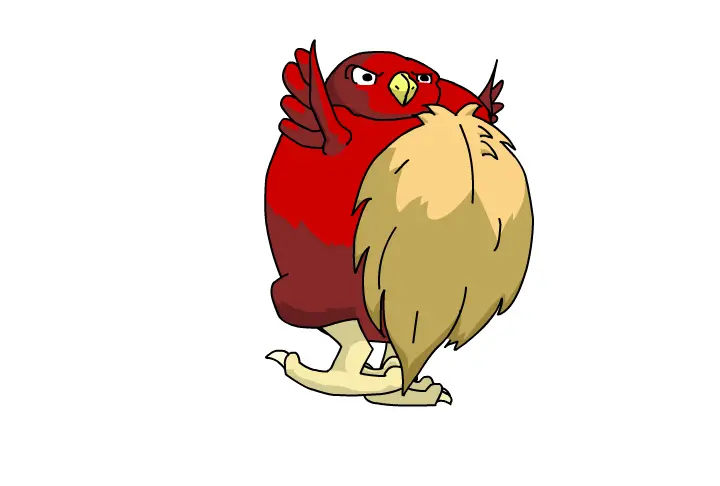
These are a few animation projects I did for my flash class. The early one's anyway. None of them were long enough or full enough to really be their own animations so I put the first four together into a compilation animation! Each one is only a few seconds long. You can keep clicking them to see them play again, though. You have the standard Ball Bounce. Pretty much the first animation you'll do in any animation class ever. You have a walk cycle. Another standard one. I did a big fat red bird thing. I don't really know why. Multiplane walking, which is the character walking through an environment. The goal was to make the objects that are closer to the "camera" move farther and faster than those behind. I had my fat bird thing walking through hell. A suggestion from a classmate. And Multiplane Perspective. Which is zooming through an environment. Basically the same as the last except instead of going from side to side you're going forward or backward. There isn't a character walking in that one. If anyone has any questions about specific projects don't be afraid to ask.
About BeeGames social
Playground and Play together are the BeeGames social layer — so you're never just playing alone.
What is a Playground?
Your Playground is your own personal game homepage. Pin the games you love, give it a name and a short bio, then make it public to share your personal arcade with anyone.
How do I use my Playground?
On any game page, tap “Playground” to pin that game. Head to My Playground to edit its name, bio and layout, then share your public link with friends.
What is Play together?
Play together lets you co-play the same game with friends in real time. Open a game room and everyone can play side by side while chatting in the room — like crowding around one screen, online.
How do I play with friends?
Tap “Play together” on a game page, pick a public room or a private one with a password, then share the room link with friends. You can also browse and join open rooms from the Lobby.