
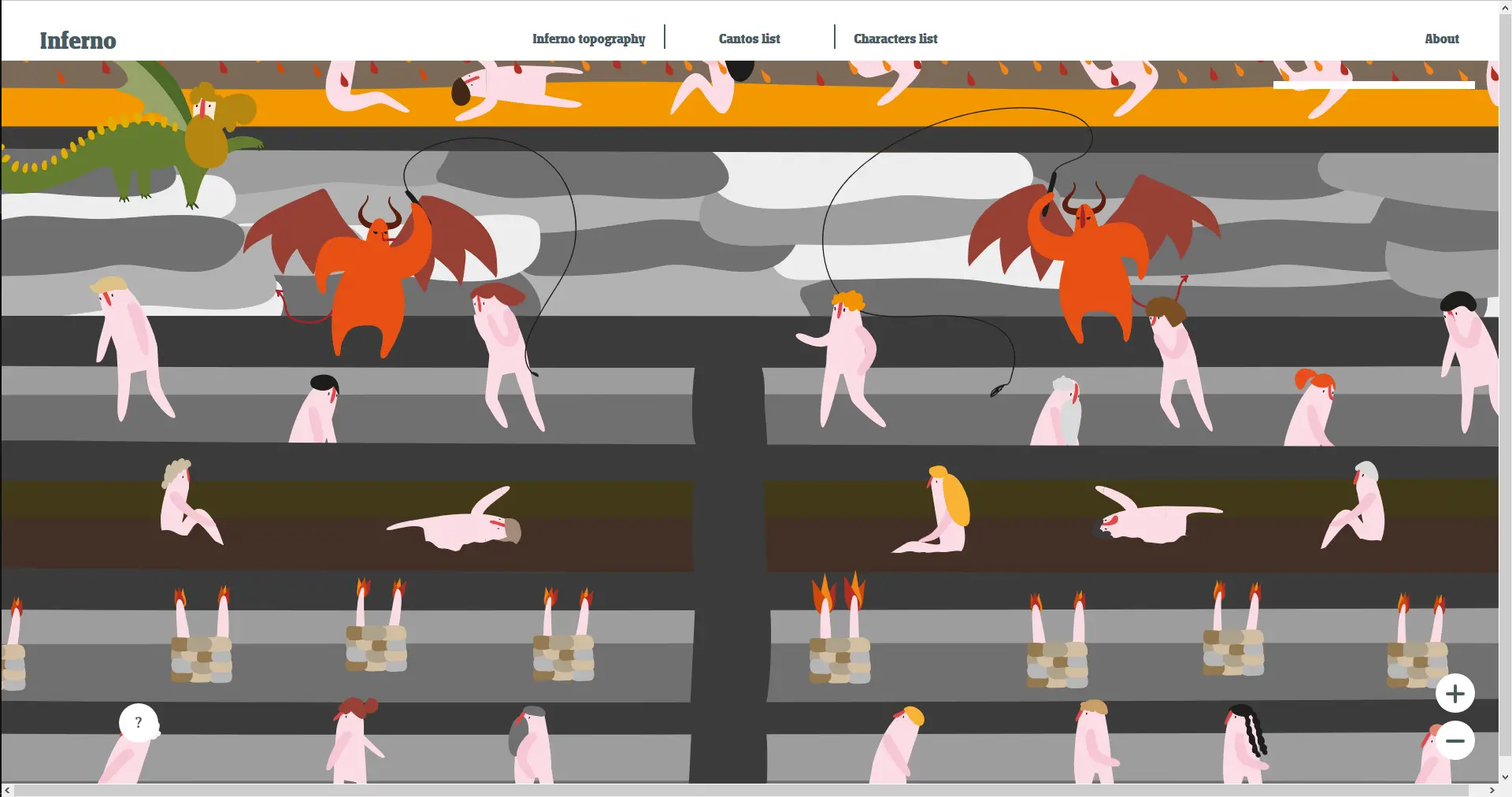
Topography of Dante's Inferno
Topography of Dante's Inferno
“The Topography of Dante’s Inferno (Infernal Topography)” is an alternative learning tool for the Divine Comedy first Cantica, made for aiding visual memory. The digital version of the Dante's Inferno has been developed to be a synsemic (visual syntax) access point to Dante's literature, aiding its study.The project has been developed by Alpaca, an Italian cooperative of graphic designer, interaction designer and illustrators, that works for the public benefit and the information accessibility. The project was awarded in March 2017 with the Gold prize for Didactics and the Grand Prix at the IIID Awards 2017, by the International Institute of Information Design. The translation to the English language is based on the one provided by Henry Wadsworth Longfellow. The whole text is available on Wikisource and it's in the public domain. We chose the Longfellow translation not only because it's open source, but also for its closeness to the language of Dante. The syntax, the rhythm, the lexicon used by Longfellow may feel odd for native english speakers, but they render the original language with great accuracy. We provided links to the Wikipedia descriptions of the Cantos or the characters, but we noticed that for this subject the English Wikipedia is less reliable and precise than the Italian one, so use it with caution and read the original text!At the moment we are testing this digital tool in order to evaluate its didactic value and to improve the user experience.
About BeeGames social
Playground and Play together are the BeeGames social layer — so you're never just playing alone.
What is a Playground?
Your Playground is your own personal game homepage. Pin the games you love, give it a name and a short bio, then make it public to share your personal arcade with anyone.
How do I use my Playground?
On any game page, tap “Playground” to pin that game. Head to My Playground to edit its name, bio and layout, then share your public link with friends.
What is Play together?
Play together lets you co-play the same game with friends in real time. Open a game room and everyone can play side by side while chatting in the room — like crowding around one screen, online.
How do I play with friends?
Tap “Play together” on a game page, pick a public room or a private one with a password, then share the room link with friends. You can also browse and join open rooms from the Lobby.