
Communication
Communication
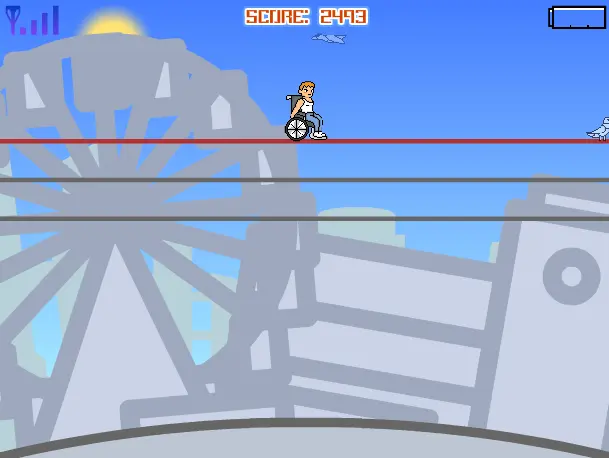
Realize your dreams through communication. Author Comments: "Communication" tells a story of two people: a disabled men realizing his dream of traveling around the world and elderly woman helping her granddaughter recover from accident. "Communication" is divided into two parts. In first part "Without Boundaries", user controls his character using keyboards arrows keys and space (or alternatively W/S/A/D and Z) to avoid obstacles blocking his way. In the second part "Accessible", user is only using his mouse to follow a designed path. Escape key returns the player to the Main Menu. "Communication" was created for "Serious Games" contest on whosegame.com. Now it has come to Newgrounds.
About BeeGames social
Playground and Play together are the BeeGames social layer — so you're never just playing alone.
What is a Playground?
Your Playground is your own personal game homepage. Pin the games you love, give it a name and a short bio, then make it public to share your personal arcade with anyone.
How do I use my Playground?
On any game page, tap “Playground” to pin that game. Head to My Playground to edit its name, bio and layout, then share your public link with friends.
What is Play together?
Play together lets you co-play the same game with friends in real time. Open a game room and everyone can play side by side while chatting in the room — like crowding around one screen, online.
How do I play with friends?
Tap “Play together” on a game page, pick a public room or a private one with a password, then share the room link with friends. You can also browse and join open rooms from the Lobby.