
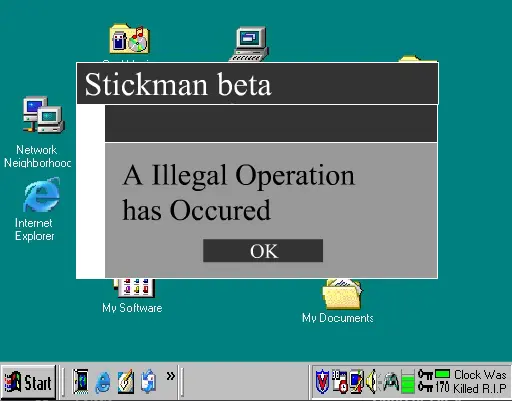
Windows SB v1.11
Windows SB v1.11
well i'm finally done! 3 weeks have done into this simulation! and after a few programming headaches it should also be bug free!.. but if you run into one please tell me in the reviews:) i hope you all enjoy this! 2 months now... and no update.. lol well i'm thinking i should restart this project from stratch since i have upgraded from windows 98 to windows ME. with me i will be able to put in new sounds, screens, etc. anyway SB 2.x will be underway soon once i regain interest in the project. flash is hard and tough but soon i will learn more scripting commands and maybe i'll be able to add games and when you win them THEY CRASH!! well any suggestions will do. i'm hoping to get this baby to over 3.4 mb in animation alone and 1 mb in sound. it will be months of work but when it is finish (maybe next year when i get interest in the SB project) it'll beat the crap out of the other windows simulators. wish me luck and interest! **UPDATE** v1.11 is out now! it features my first preloader, intro changes, new sounds, and a shutdown button added! I have also changed the Textual Explicit Language rating to mild since it contains some language. have fun!
About BeeGames social
Playground and Play together are the BeeGames social layer — so you're never just playing alone.
What is a Playground?
Your Playground is your own personal game homepage. Pin the games you love, give it a name and a short bio, then make it public to share your personal arcade with anyone.
How do I use my Playground?
On any game page, tap “Playground” to pin that game. Head to My Playground to edit its name, bio and layout, then share your public link with friends.
What is Play together?
Play together lets you co-play the same game with friends in real time. Open a game room and everyone can play side by side while chatting in the room — like crowding around one screen, online.
How do I play with friends?
Tap “Play together” on a game page, pick a public room or a private one with a password, then share the room link with friends. You can also browse and join open rooms from the Lobby.