
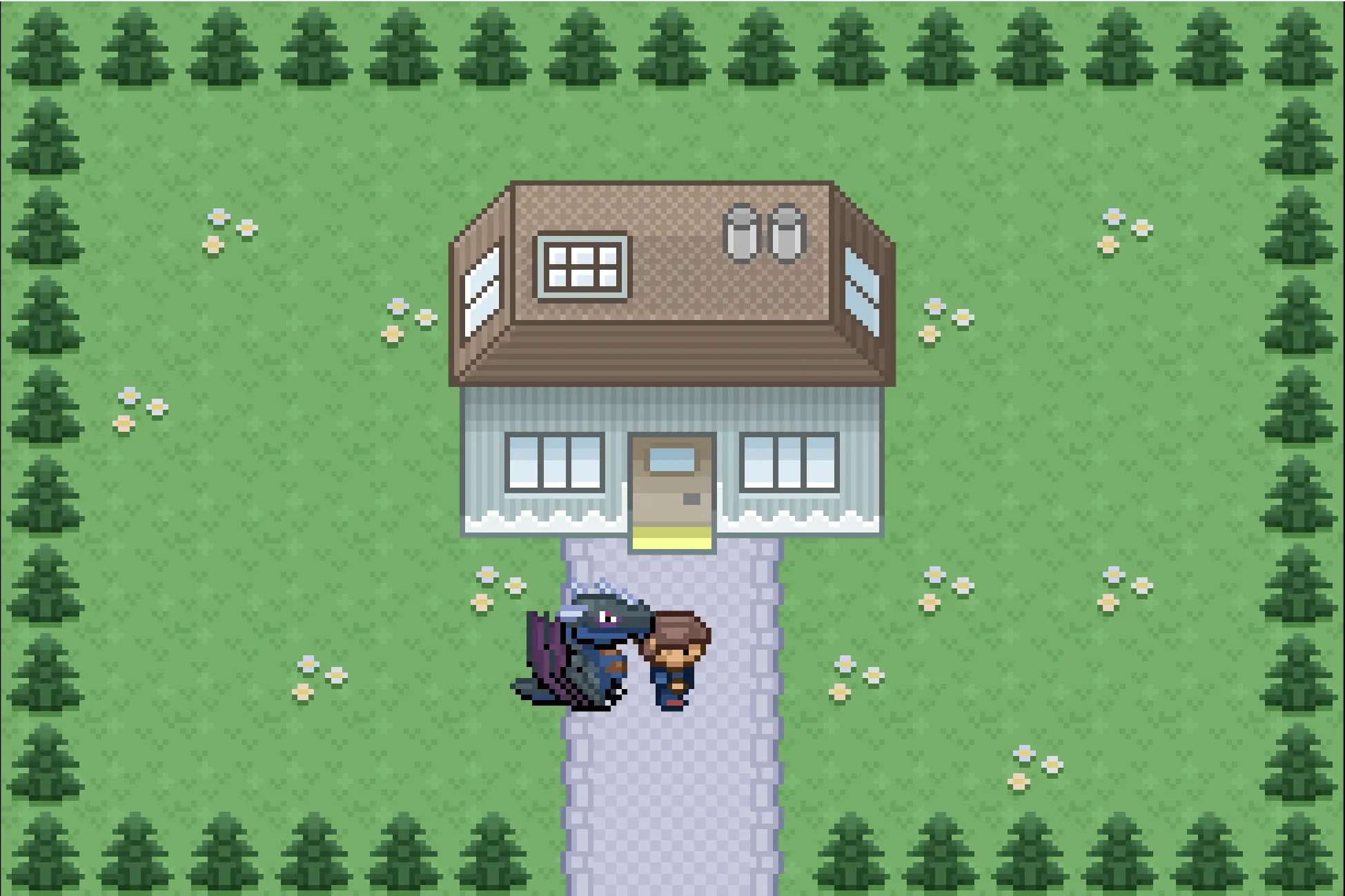
Flash Test Dragon Interaction
Flash Test Dragon Interaction
I have been working on something totally different this and last week. I always wanted to know how tile based games work and found a great tutorial ( [link](https://www.deviantart.com/users/outgoing?http://www.tonypa.pri.ee/tbw/index.html) ). In other words, I was creative^^ I'm a total beginner in programming with flash, I used to animate a bit, but that was two year ago. So I pretty much messed up the tutorial code. But at least it works how I want^^ Inspired by the Pokemon games, I wanted to create something similar with flash. Its not supposed to be a game, its just a little interactive thing. Use the arrow keys to move the character and your dragon will follow you wherever you go. For those who don't recognize it. It's an adult/ancient wyvern from Dragonadopters. ( [link](https://www.deviantart.com/users/outgoing?http://dragonadopters.com/images/dragons/e14df011f673bb3c7b1a58ed7d6ad0d5.png) ) Just use the arrow keys to move, you can also go inside the house. I've been creating over 30 sprites for this thing. For the map, but most of them for the walking animation. It was fun :P Not sure if I continue working on it... enjoy thaz
About BeeGames social
Playground and Play together are the BeeGames social layer — so you're never just playing alone.
What is a Playground?
Your Playground is your own personal game homepage. Pin the games you love, give it a name and a short bio, then make it public to share your personal arcade with anyone.
How do I use my Playground?
On any game page, tap “Playground” to pin that game. Head to My Playground to edit its name, bio and layout, then share your public link with friends.
What is Play together?
Play together lets you co-play the same game with friends in real time. Open a game room and everyone can play side by side while chatting in the room — like crowding around one screen, online.
How do I play with friends?
Tap “Play together” on a game page, pick a public room or a private one with a password, then share the room link with friends. You can also browse and join open rooms from the Lobby.