Gemwars
Joueurs
1
Note
4.5★
Catégories
Turn-Based
À propos
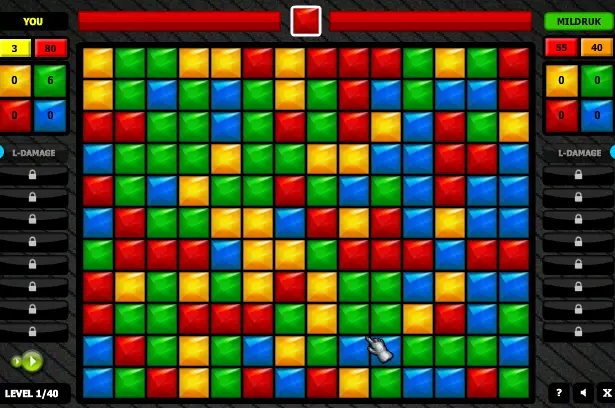
UPDATE 06-12-2013 - fixed functionality after you lose the battle - it will revert your stats to the stats before you lost the battle, so you get back your coins and you can purchase some another items! ========================= ==================== Gemwars is a great combination of popular block collapsing genre and turn based strategy game in which you are playing against computer in 40 levels of increasing difficulty! Hours of challenging and addicting gameplay guaranteed! Instructions: Please see HOW TO PLAY section for detailed information about the game! Basically click on a group of 2 or more same types of gems to destroy them! There is shown DAMAGE GEM at the top of the screen, that shows the color of the gems, that causes damage to the enemy! Other colors give you corresponding mana points and coins, you can use these coins after each battle to buy new spells and other upgrades! Defeat your enemy before he gets you! Features * hours of addicting and original gameplay * 40 levels of increasing difficulty + extra survival levels * 9 spells + other upgrades * growing intelligence of the computer - after the first introducing "easy" levels you will stand against a real smart AI! You will have to think strategically and combine breaking gems with using spells to win the battle! * detailed game stats * saved progress after each battle - you can continue later by clicking LOAD GAME button in the main menu
Créateur
Shajby
Studio de jeu
Catégorie
Turn-Based
Type
Mini-jeu
Sortie
Récemment
Joueurs
1
Plus de Shajby
Plus de jeux Turn-Based
Vous aimerez aussi
Des jeux tendance que d'autres joueurs adorent en ce moment.