
Quarterback Challenge 2
Quarterback Challenge 2
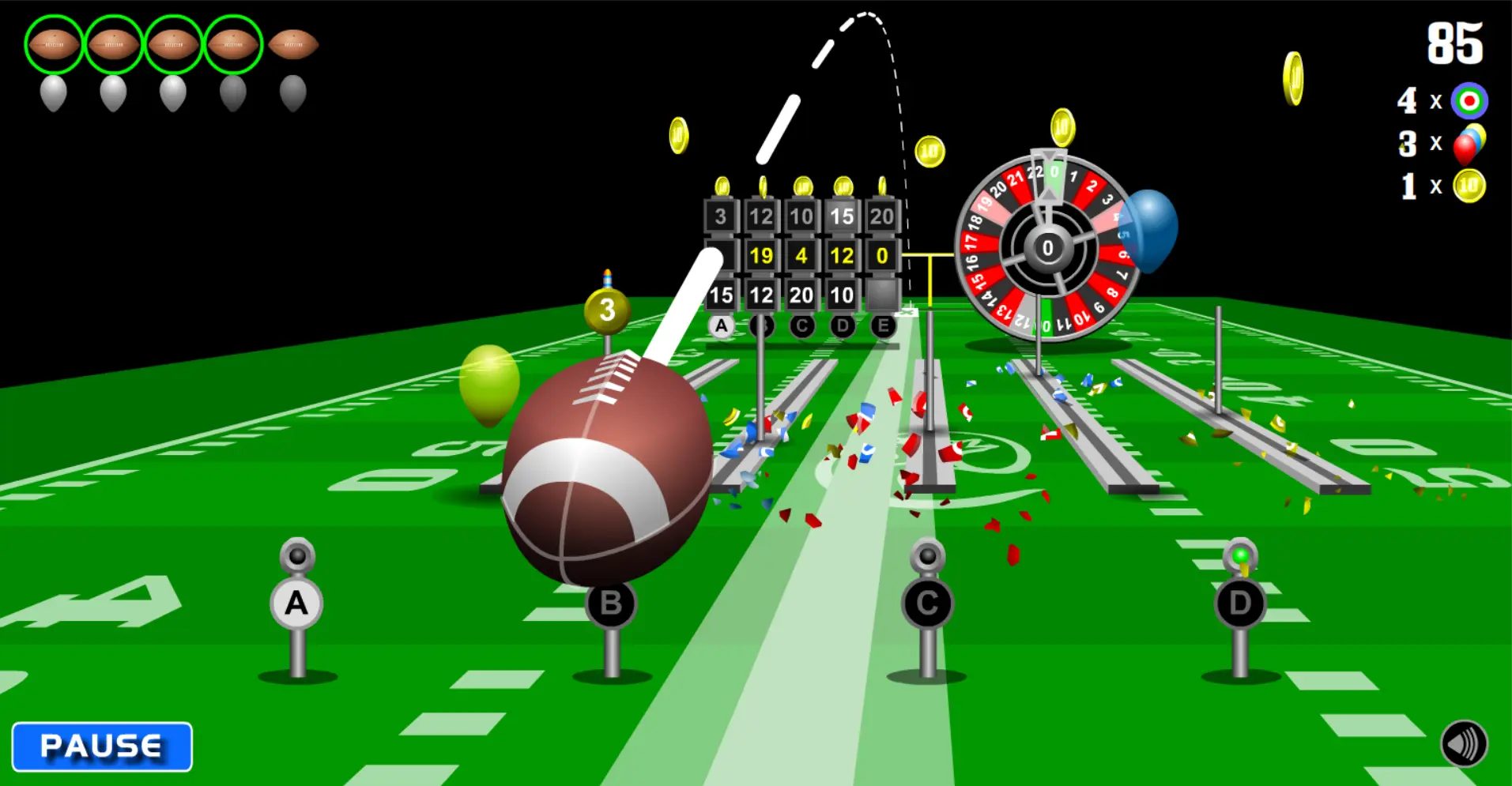
Who will be the all-star quarterback this year? It could be you if your eye is on the target. Quarterback Challenge 2 offers a three-dimensional viewpoint and multi-tiered leveling to create a highly engaging player focused interface. Each of the eight levels gives the player five throws to hit interactive targets, balloons, and coins. The levels are designed as miniature puzzles to to hit all targets and obtain a high score. Inspired by the famous rube-goldberg machine, various triggers can be switched to solve the level in numerous ways. Much thought and time have been given to offer the player the most fun from a football themed quarterback challenge game. Unlock balloon bonus levels by hitting all five balloons on a given level. Access to four hidden coin bonus levels can be unlocked by scoring perfect on two balloon bonus levels. Control the game with the mouse cursor or touchscreen if you have the Flash player installed on your device. Method 1) Click and hold, release to throw ball. Method 2) Click, release, click again to throw. The 'X' on the ground is where the ball will land once thrown.
About BeeGames social
Playground and Play together are the BeeGames social layer — so you're never just playing alone.
What is a Playground?
Your Playground is your own personal game homepage. Pin the games you love, give it a name and a short bio, then make it public to share your personal arcade with anyone.
How do I use my Playground?
On any game page, tap “Playground” to pin that game. Head to My Playground to edit its name, bio and layout, then share your public link with friends.
What is Play together?
Play together lets you co-play the same game with friends in real time. Open a game room and everyone can play side by side while chatting in the room — like crowding around one screen, online.
How do I play with friends?
Tap “Play together” on a game page, pick a public room or a private one with a password, then share the room link with friends. You can also browse and join open rooms from the Lobby.