
Halloween Scare DOS
Halloween Scare DOS
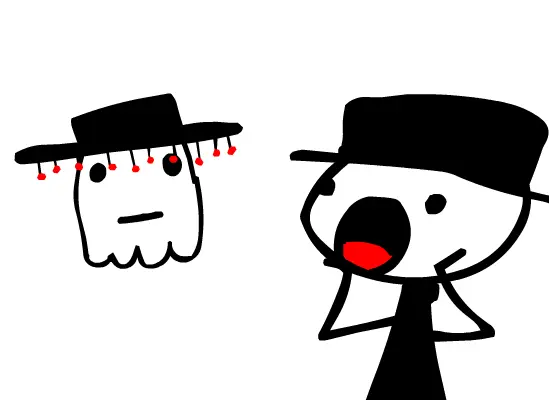
It is complete. After a good 6 hour non stop animating spree... It's finally finished. HAHA, that was easy. It's ment to look crappily drawn on purpose to match its sister "HALLOWEEN SCARE" Part 1. And because this is a movie I don't need to waste too much time on. So here you have it ladies n gentz! Halloween Scare DOS! o.o i'll be submitting it to T.V West because they've aired part 1. Heh. I'm actually working on a good project with good animation with a friend. But it won't be out for another year. Enjoy! Special Appearance- Chris P. This short animation was sent to T.V WEST. A high school friday morning broadcast. And I am going to send them Part.2 when I finish making it.
About BeeGames social
Playground and Play together are the BeeGames social layer — so you're never just playing alone.
What is a Playground?
Your Playground is your own personal game homepage. Pin the games you love, give it a name and a short bio, then make it public to share your personal arcade with anyone.
How do I use my Playground?
On any game page, tap “Playground” to pin that game. Head to My Playground to edit its name, bio and layout, then share your public link with friends.
What is Play together?
Play together lets you co-play the same game with friends in real time. Open a game room and everyone can play side by side while chatting in the room — like crowding around one screen, online.
How do I play with friends?
Tap “Play together” on a game page, pick a public room or a private one with a password, then share the room link with friends. You can also browse and join open rooms from the Lobby.