
Moonstuck - The Game (Part 1)
Moonstuck - The Game (Part 1)
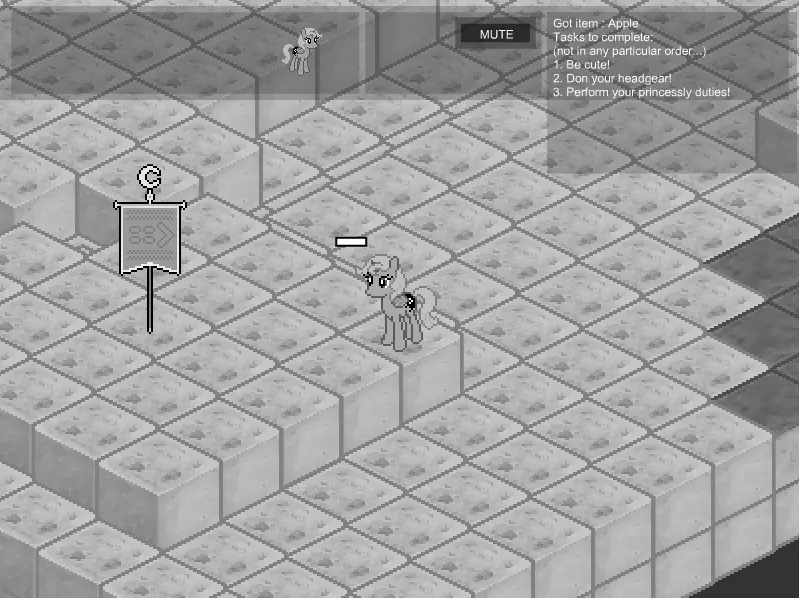
Princess Woona is back, but this time, inside a videogame! Help her navigate around the moon and figure out how to eventually get back home! ----- ### Please read! I added the WASD keys as controls. I also removed clicking on Woona as a way of accessing the menu, just to avoid the classic 'I was in attack mode and wanted the menu again' situation. Zombies should be easier. Just don't expect to get the big guy in one go. Be patient! --- If you haven't read the comic yet, you probably should, so you can understand this game. I know that's usually a bad thing to do, but I have to generally keep with the story... sorry! This is part one of many. This part only covers up until the observatory (about page 40). Cover image by [:iconennervateindustries:](https://ennervateindustries.deviantart.com/) Original Moonstuck by [:iconegophiliac:](https://egophiliac.deviantart.com/) The comic here: [[link]](http://woonastuck.tumblr.com/) Note: Every time I update the original file with a fix or some sort of change, your saves will be deleted. Sorry, but that's nothing I can help, it's just the nature of the flash player. New swf, new save. If you want to protect yourself against this, download the file and play it off your own hard drive. Peace!
About BeeGames social
Playground and Play together are the BeeGames social layer — so you're never just playing alone.
What is a Playground?
Your Playground is your own personal game homepage. Pin the games you love, give it a name and a short bio, then make it public to share your personal arcade with anyone.
How do I use my Playground?
On any game page, tap “Playground” to pin that game. Head to My Playground to edit its name, bio and layout, then share your public link with friends.
What is Play together?
Play together lets you co-play the same game with friends in real time. Open a game room and everyone can play side by side while chatting in the room — like crowding around one screen, online.
How do I play with friends?
Tap “Play together” on a game page, pick a public room or a private one with a password, then share the room link with friends. You can also browse and join open rooms from the Lobby.