
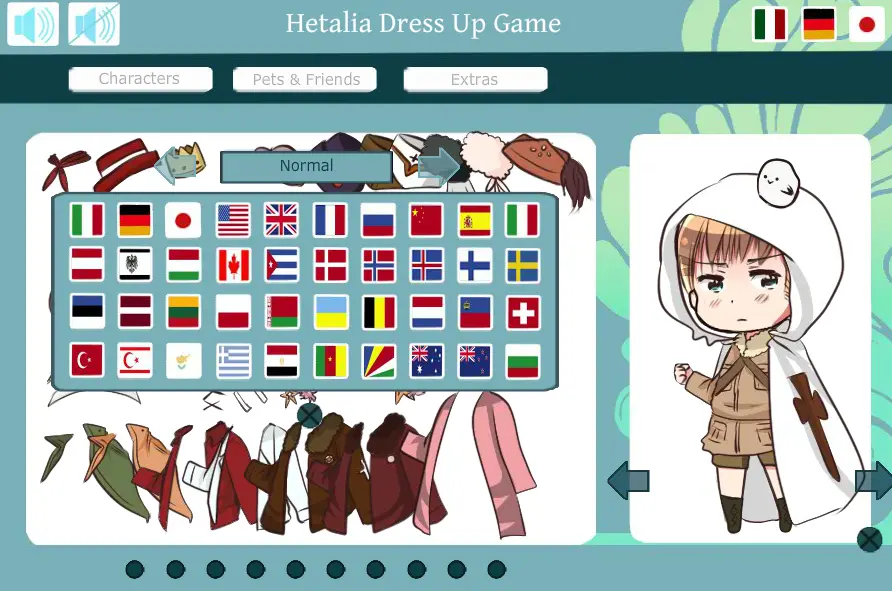
Hetalia Dress UP
Hetalia Dress UP
I'm sorry I just had to ; A; Please don't kill me for this ; v ; After months of working it's finally done. ^^; Actually I just wanted to make a 2P!talia Dress UP Game and .... this happend... xD I think it's better than my first one but still not comparable with other Hetalia Games ... so please don't do it!. If you expected a update of Make your own Hetalia Ocwell... you guys gave me a lot stuff I could add andsomehow I can't change my old file in deviantart so I will make a completly new one 10000x better than theold one ^^; At least I hope so... But I won't make it this year, I will make it in future~ For the next time I will work on other stuff and onthe Requets I got ... ^^; Oh and yes I added Shadow!Italy because I love Dreamtalia but he can't change his face so... I'm sorry for that >.> https://sariichii.deviantart.com/:iconsariichii: <-wanted me to upload it so if you don't like it kill her How to make a screenshot? http://www.take-a-screenshot.org/ ________________________________________________________________________________________ Hetalia (c) Hidekaz Fan Characters (c) their right owners Game and Pictures (c) XXXxVivixXXX
About BeeGames social
Playground and Play together are the BeeGames social layer — so you're never just playing alone.
What is a Playground?
Your Playground is your own personal game homepage. Pin the games you love, give it a name and a short bio, then make it public to share your personal arcade with anyone.
How do I use my Playground?
On any game page, tap “Playground” to pin that game. Head to My Playground to edit its name, bio and layout, then share your public link with friends.
What is Play together?
Play together lets you co-play the same game with friends in real time. Open a game room and everyone can play side by side while chatting in the room — like crowding around one screen, online.
How do I play with friends?
Tap “Play together” on a game page, pick a public room or a private one with a password, then share the room link with friends. You can also browse and join open rooms from the Lobby.