
Tom and Jerry Draw With Me
Tom and Jerry Draw With Me
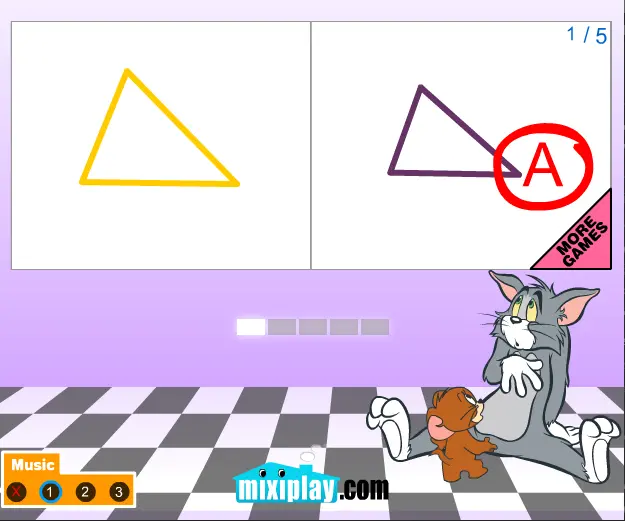
How good are you at geometry and shapes?! Tom and Jerry draw with me game is all about those two. You will see a shape in the left box screen and then you will draw the same shape in the left box by yourself. You can see the shape for only a few seconds and then it disappears and you have to remember how it looked like and to reproduce the drawing in the right box. Then you will be graded like in school. "A" is the best score you can achieve. There are 5 levels and 5 shapes in each level for you to draw. You place the points of the shape by clicking the mouse. When you finish all levels you will be given an overall grade for your efforts. Try to achieve the best grade and test your observation skills. There is also three different background musics you can choose from and a mute button if don't like none of them.
About BeeGames social
Playground and Play together are the BeeGames social layer — so you're never just playing alone.
What is a Playground?
Your Playground is your own personal game homepage. Pin the games you love, give it a name and a short bio, then make it public to share your personal arcade with anyone.
How do I use my Playground?
On any game page, tap “Playground” to pin that game. Head to My Playground to edit its name, bio and layout, then share your public link with friends.
What is Play together?
Play together lets you co-play the same game with friends in real time. Open a game room and everyone can play side by side while chatting in the room — like crowding around one screen, online.
How do I play with friends?
Tap “Play together” on a game page, pick a public room or a private one with a password, then share the room link with friends. You can also browse and join open rooms from the Lobby.