
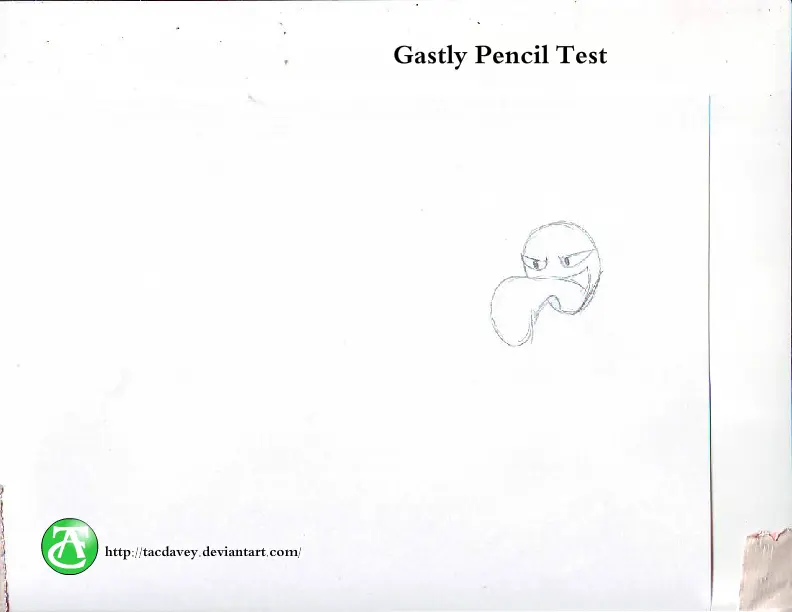
Gastly Pencil Test
Gastly Pencil Test
Okay, get this. I actually built my own animation table in my basement... I'd like to claim it was some engineering masterpiece, but it's actually a ruler with some pegs glued to it taped to a drafting table... It works pretty well, as I found out with this short little test. I decided to just do Gastly floating around because he's basically a ball. I suppose I could have gone with Voltorb to. Anyway it's just a short pencil test to see if my invention was actually able to be used for animation purposes. And it was. After fixing my mailbox flag with a colored pencil, a magnetic clipper, and a ton of duct tape, I think I may have a future in Jerry-rigging stuff.
About BeeGames social
Playground and Play together are the BeeGames social layer — so you're never just playing alone.
What is a Playground?
Your Playground is your own personal game homepage. Pin the games you love, give it a name and a short bio, then make it public to share your personal arcade with anyone.
How do I use my Playground?
On any game page, tap “Playground” to pin that game. Head to My Playground to edit its name, bio and layout, then share your public link with friends.
What is Play together?
Play together lets you co-play the same game with friends in real time. Open a game room and everyone can play side by side while chatting in the room — like crowding around one screen, online.
How do I play with friends?
Tap “Play together” on a game page, pick a public room or a private one with a password, then share the room link with friends. You can also browse and join open rooms from the Lobby.