
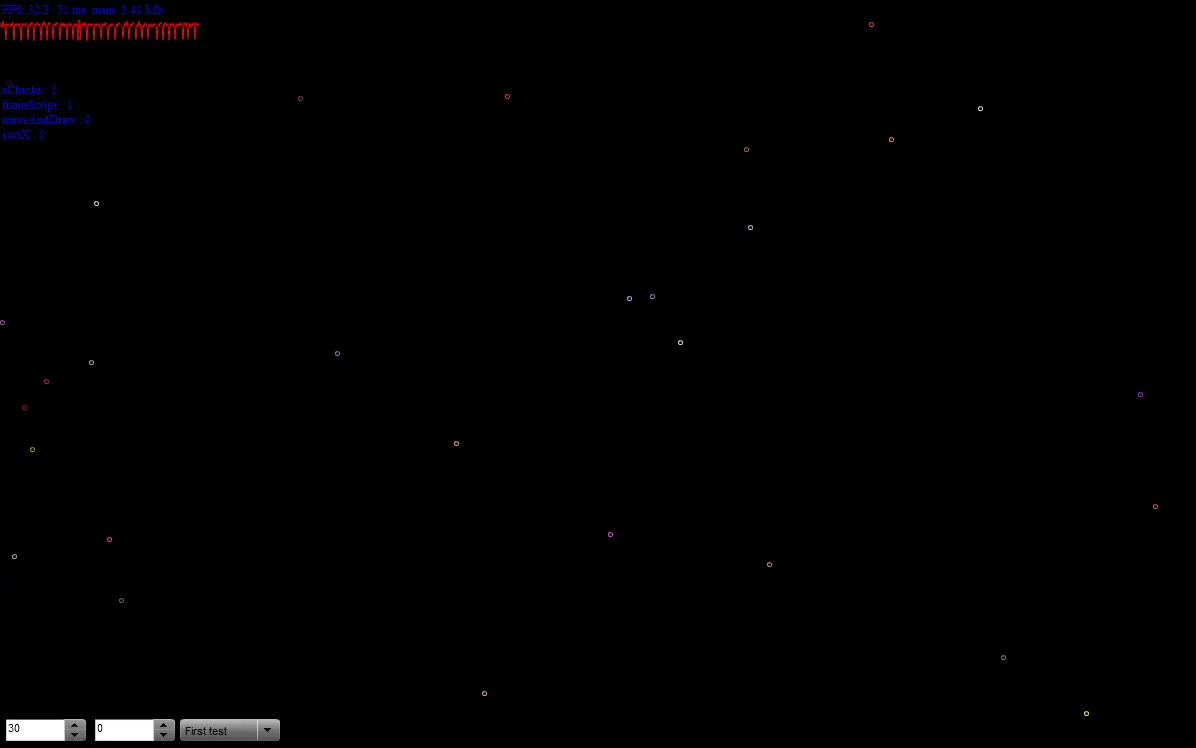
Ball Collision Study 8
Ball Collision Study 8
So yeah it is a new even more optimized version. Contains all presets from https://wonderwhy-er.deviantart.com/art/Collision-study-5-151631461 + 2x version of Tetro to show how much faster it become. On my home gaming desktop it manages 10k balls with 30FPS :omg: If you are wondering why it is 8 version and and where are version 6 and 7. Well those were some tests and tweaks that did not prove to be useful. So here is 8. If you want to learn more then here is journal telling how this version came to be https://wonderwhy-er.deviantart.com/journal/34493497/
About BeeGames social
Playground and Play together are the BeeGames social layer — so you're never just playing alone.
What is a Playground?
Your Playground is your own personal game homepage. Pin the games you love, give it a name and a short bio, then make it public to share your personal arcade with anyone.
How do I use my Playground?
On any game page, tap “Playground” to pin that game. Head to My Playground to edit its name, bio and layout, then share your public link with friends.
What is Play together?
Play together lets you co-play the same game with friends in real time. Open a game room and everyone can play side by side while chatting in the room — like crowding around one screen, online.
How do I play with friends?
Tap “Play together” on a game page, pick a public room or a private one with a password, then share the room link with friends. You can also browse and join open rooms from the Lobby.