
SpiroStudio
SpiroStudio
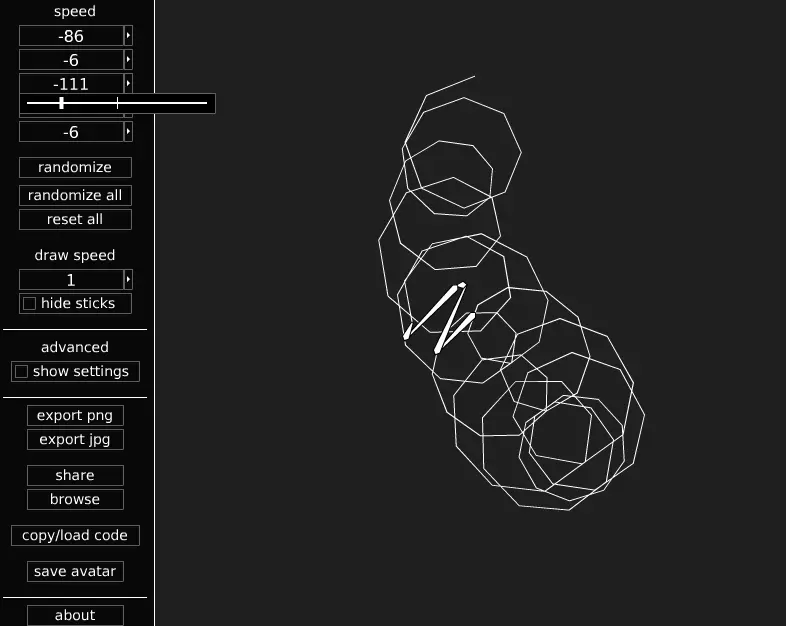
SpiroStudio lets you design your own spirograph-style patterns. From the game updates: DEC 9, 2013 9:44AM Version 1.04 is up now. New features include a “reset all” button that restores the default settings, and an input for controlling the draw limit. changelog for v1.04 – added reset all button – added draw limit input – added draw limit saving and loading – added licensing information to about window – decreased default draw limit to 10000 – fixed jpg saving to use reverse layers – fixed smooth lines not loading – rearranged some parts of the interface – made symmetry affect keyboard increment/decrement for speeds and smoothness inputs – made randomize set the smoothness to nearest multiple of symmetry if using symmetry DEC 7, 2013 5:19PM Version 1.03 is here! This version includes sliders. Try setting the draw speed to 360 or higher and using a slider to animate the drawing. changelog for v1.03: - implemented slider control - added slider controls to all numerical inputs - made symmetry affect slider increment for speeds and smoothness - added rgb sliders to palette - fixed reverse layers loading - added “randomize all” button - increased draw limit - changed “opacity” label to “alpha” for consistency
About BeeGames social
Playground and Play together are the BeeGames social layer — so you're never just playing alone.
What is a Playground?
Your Playground is your own personal game homepage. Pin the games you love, give it a name and a short bio, then make it public to share your personal arcade with anyone.
How do I use my Playground?
On any game page, tap “Playground” to pin that game. Head to My Playground to edit its name, bio and layout, then share your public link with friends.
What is Play together?
Play together lets you co-play the same game with friends in real time. Open a game room and everyone can play side by side while chatting in the room — like crowding around one screen, online.
How do I play with friends?
Tap “Play together” on a game page, pick a public room or a private one with a password, then share the room link with friends. You can also browse and join open rooms from the Lobby.