
Create Your Own Avatar!
Create Your Own Avatar!
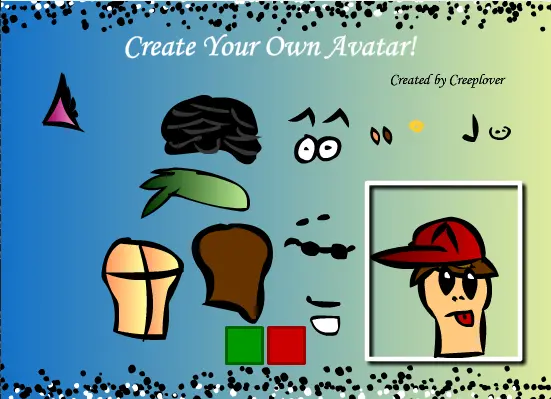
Welcome to this avatar creater! In this game you can move different parts of a body and add eyes, ears, a nose, and more! This also includes music thanks to www.newgrounds.com/audio/listen/175406. To make it your avatar do the following instructions… 1. Create your avatar. 2. Press the Print Screen button on your keyboard. 3. Open Microsoft Paint, press Ctrl + v and crop your image. 4. Save your image as a JPG, GIF, or PNG. 5. Go to your Kongregate profile on your web browser. 6. Change your profile settings, and insert the directory of your image where it says to insert your avatar. 7. Save changes. Note: This is just a test game because right now I am making a platform shooter game, but since I want it to be good, it will take a long time, but feel free to comment.
About BeeGames social
Playground and Play together are the BeeGames social layer — so you're never just playing alone.
What is a Playground?
Your Playground is your own personal game homepage. Pin the games you love, give it a name and a short bio, then make it public to share your personal arcade with anyone.
How do I use my Playground?
On any game page, tap “Playground” to pin that game. Head to My Playground to edit its name, bio and layout, then share your public link with friends.
What is Play together?
Play together lets you co-play the same game with friends in real time. Open a game room and everyone can play side by side while chatting in the room — like crowding around one screen, online.
How do I play with friends?
Tap “Play together” on a game page, pick a public room or a private one with a password, then share the room link with friends. You can also browse and join open rooms from the Lobby.