
Windows Ngista
Windows Ngista
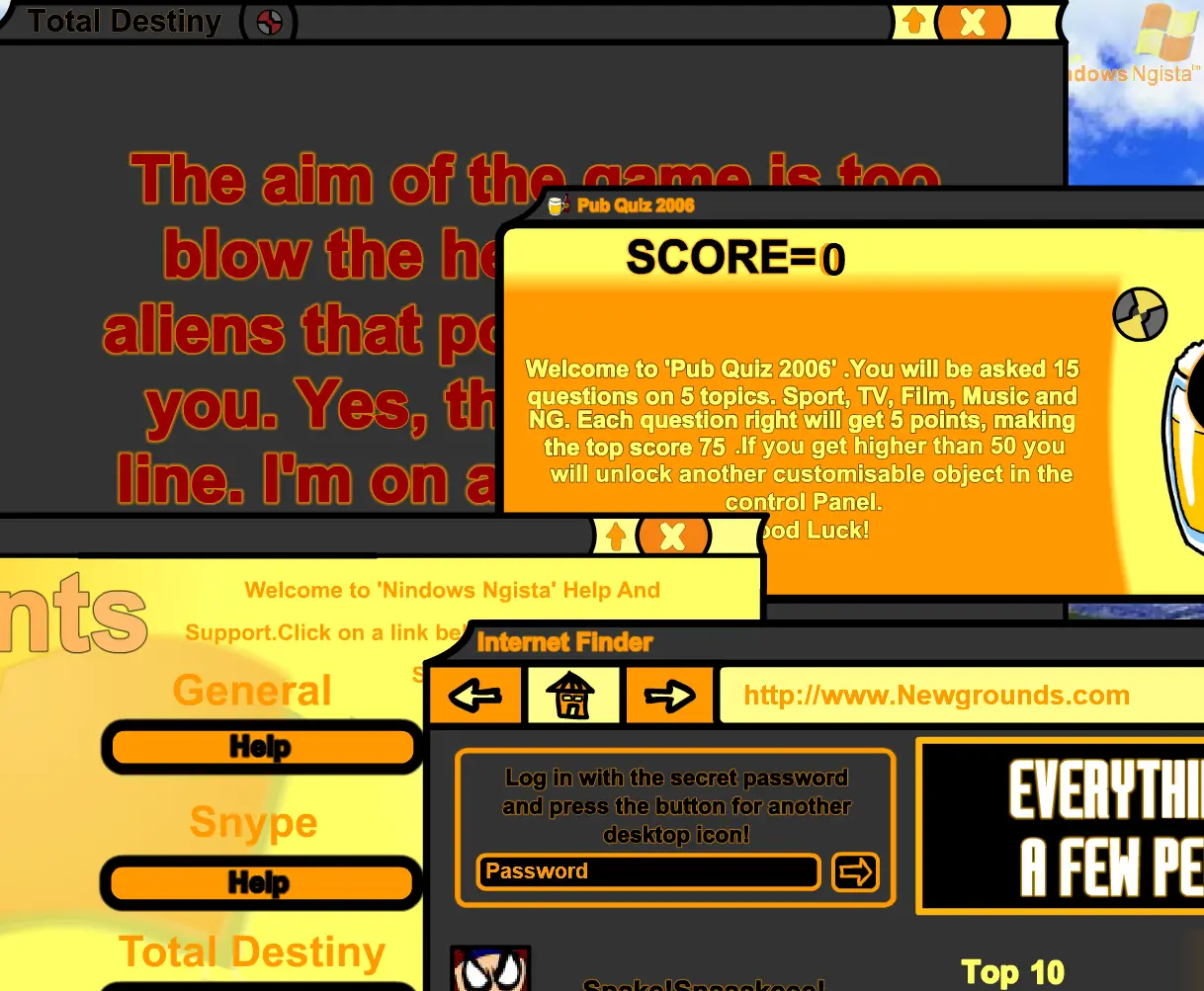
The future of Computing, Yesterday! Author Comments: A new age of Computing, Yesterday! |-|READ ME|-| I firstly apologise for the large filesize, but believe me, its worth it!! Take a look around 'Windows Ngista' and unlock all the secrets and goodies. The Ultimate code is "FlashMasterMx2004", enter it at login for all the secrets. I have been working on this in my spare time of school (I’m 13) and I have put a lot of effort into it. Try pressing the arrow keys and Space on the desktop and see what happens. If the game freezes or you want to reset your name, simply press ‘ENTER’ and it will return to the login screen. This is basically a upgraded version of my 'Hit' Submission 'Windows NG', it is also a parody of the upcoming Microsoft 'Windows Vista'(Hence 'Ngista'). Thanks to Oli Quirke who beta tested this and helped me improve it for all you folk at NG. Thanks for Reading. I hope you enjoy 'Windows Ngista'. Leave lots of reviews and votes.
About BeeGames social
Playground and Play together are the BeeGames social layer — so you're never just playing alone.
What is a Playground?
Your Playground is your own personal game homepage. Pin the games you love, give it a name and a short bio, then make it public to share your personal arcade with anyone.
How do I use my Playground?
On any game page, tap “Playground” to pin that game. Head to My Playground to edit its name, bio and layout, then share your public link with friends.
What is Play together?
Play together lets you co-play the same game with friends in real time. Open a game room and everyone can play side by side while chatting in the room — like crowding around one screen, online.
How do I play with friends?
Tap “Play together” on a game page, pick a public room or a private one with a password, then share the room link with friends. You can also browse and join open rooms from the Lobby.