
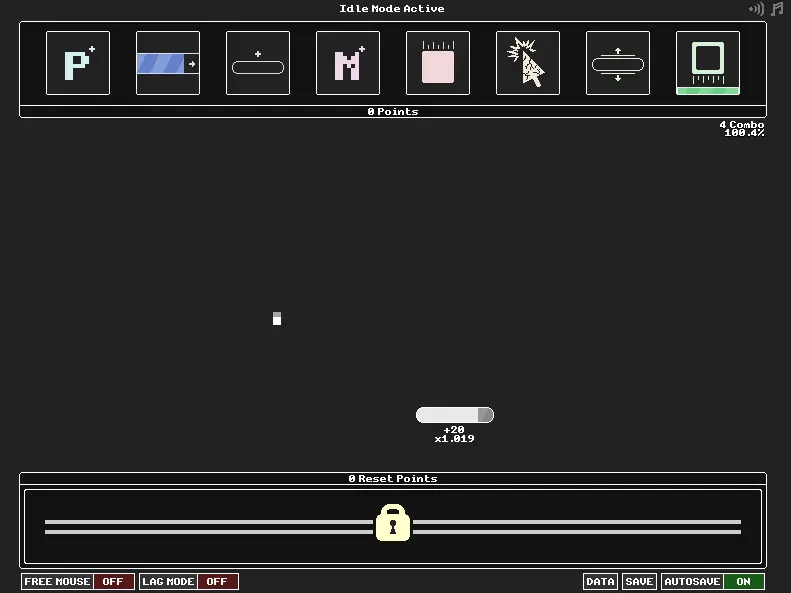
Idlefall
Idlefall
Catch those blocks, buy those upgrades! Update 5: Aug 12 2017 Added save import/export functionality. It can be accessed via the “Data” button. Fixed an overflow that caused your combo to go negative at very high numbers, breaking the game. Fixed a bug that caused paddle multiplier to display negative at very high numbers. Combo multiplier no longer resets when you reload the game. Offline ticks now affects combo recovery rate. Moving the mouse to the left or right side of the screen in Free Mouse mode no longer prevents Idle Mode. AUG 3, 2017 6:49AM Update 4: Aug 3 2017 Added “Lag Mode”: When enabled, fewer but more valuable blocks drop, to reduce lag. AUG 2, 2017 6:47AM Update 3: Aug 2 2017 Fixed a bug that was causing high levels of fill rate to display negative numbers Expand Bar multiplier now formats properly AUG 1, 2017 5:30PM Update 2: Aug 1 2017 Added Multi-buy. Hold Z while buying to buy up to 10. Added Upgrade hotkeys. 1-8 on your keyboard will buy the respective upgrades. No hotkeys for reset upgrades, because you don’t need to buy them regularly. AUG 1, 2017 2:34PM Update: Aug 1 2017 Added mouse controls. You can click and drag the paddle, or enable “Free Mouse” to have it follow your mouse all the time. Note that this will disable idle mode. Added an autosave toggle for people who were experiencing stutter on autosave. Added a manual Save button so you don’t have to rely on autosave.
About BeeGames social
Playground and Play together are the BeeGames social layer — so you're never just playing alone.
What is a Playground?
Your Playground is your own personal game homepage. Pin the games you love, give it a name and a short bio, then make it public to share your personal arcade with anyone.
How do I use my Playground?
On any game page, tap “Playground” to pin that game. Head to My Playground to edit its name, bio and layout, then share your public link with friends.
What is Play together?
Play together lets you co-play the same game with friends in real time. Open a game room and everyone can play side by side while chatting in the room — like crowding around one screen, online.
How do I play with friends?
Tap “Play together” on a game page, pick a public room or a private one with a password, then share the room link with friends. You can also browse and join open rooms from the Lobby.