
Hexplore
Hexplore
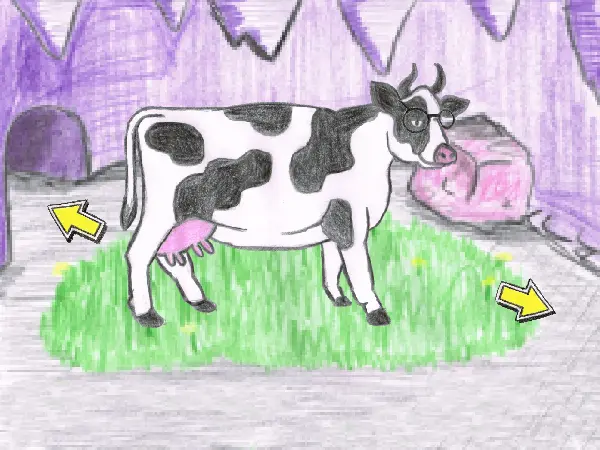
A point and click adventure through a colored pencil world. Author Comments: Use mouse or touch screen to play. Tap objects to interact with them. Drag and drop inventory items to use them. In game keys: S - Subtitles on/off T - Transitions on/off Tips: -Your inventory is at the bottom of the screen. -You can only interact with things that glow when your mouse pointer hovers over them. -Try dragging items you've collected onto different things. Stuck? [Spoilers] -Click here for the Hexplore help forum -Take a closer look at the bookcase. -Try using the sword on something that is jammed and something you can't reach. -Don't know the password? Keep guessing a few times in a row. -How do you clean the cup? In the kitchen sink of course. -Haven't found it? Keep an eye on that drone. Also try the Itch version.
About BeeGames social
Playground and Play together are the BeeGames social layer — so you're never just playing alone.
What is a Playground?
Your Playground is your own personal game homepage. Pin the games you love, give it a name and a short bio, then make it public to share your personal arcade with anyone.
How do I use my Playground?
On any game page, tap “Playground” to pin that game. Head to My Playground to edit its name, bio and layout, then share your public link with friends.
What is Play together?
Play together lets you co-play the same game with friends in real time. Open a game room and everyone can play side by side while chatting in the room — like crowding around one screen, online.
How do I play with friends?
Tap “Play together” on a game page, pick a public room or a private one with a password, then share the room link with friends. You can also browse and join open rooms from the Lobby.