黑白棋電腦
Go Computer Game
ಆಟಗಾರರು
54
ರೇಟಿಂಗ್
4.5★
ವರ್ಗಗಳು
Reversi
ಬಗ್ಗೆ
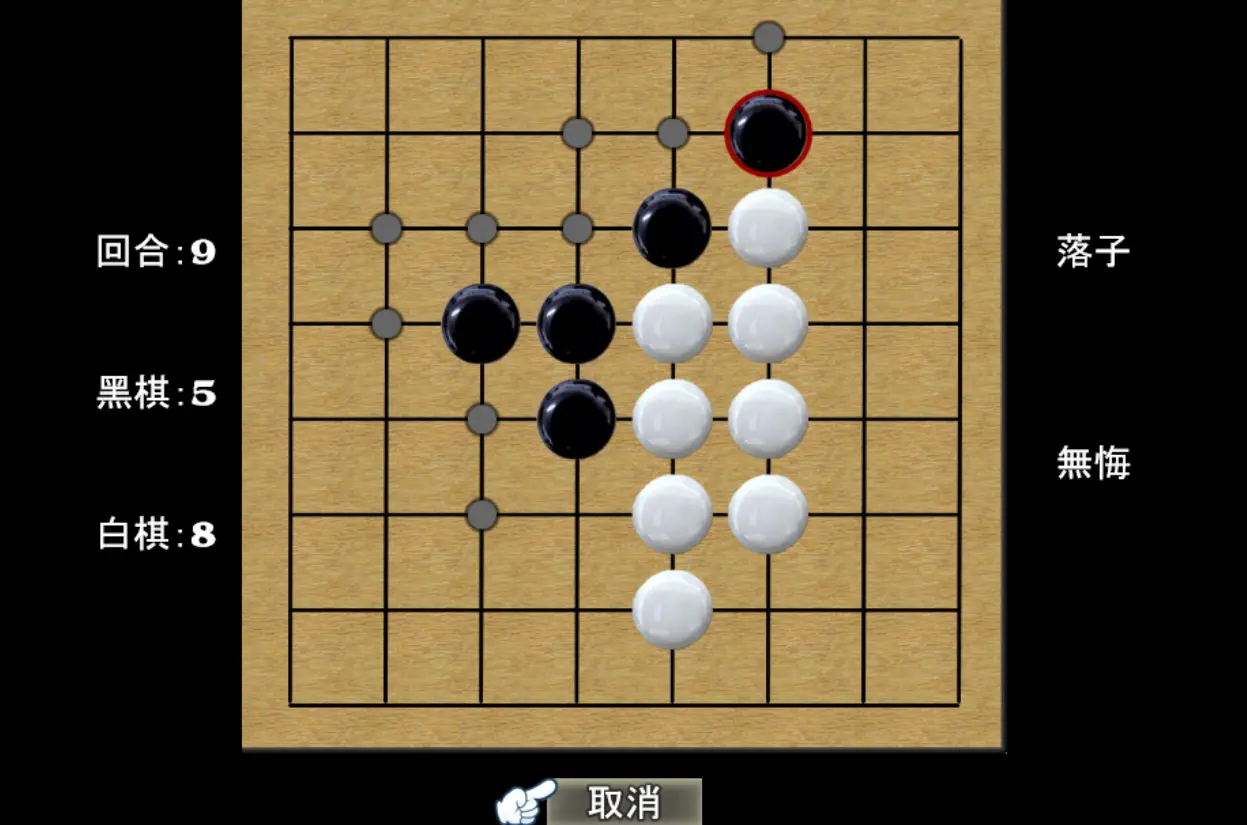
遊戲推薦規則介紹: 黑白棋電腦 Go Computer Game 是一款能讓每天都想要玩的黑白棋電腦!容易上手的單機益智休閑[黑白棋單機]小遊戲,就是這個最酷的黑白棋單機遊戲,無聊的你一定會愛上這些[黑白棋電腦]!精心設計的超多關卡,可以打發你超長的無聊時間,可愛的遊戲風格,可是廣大男性與女性玩家的最愛哦! 貼心提醒: 好不容易快過關的時候 記得要打開選單SAVE/儲存一下喔! 下次就可以從儲存的進度開始 ,以免辛苦的努力白費了喔! 遊戲操作: 電腦控制: 01.鍵盤: 上下左右/移動 SPACE空白鍵. 把東西丟出去 02.滑鼠: 滑鼠左鍵. 移動/確定 滑鼠右鍵. 打開/關閉 遊戲選單 手機/平板: 單點.移動/動作 單點(長按). 把東西丟出去 雙點. 打開/關閉 遊戲選單 其他操作: 01.在遊戲中按 F2 打開/關閉 FPS 和 Drawing Mode ( 可觀看遊戲執行效率 只在全螢幕模式可用 ) 02.在遊戲中按 F4 打開/關閉 全屏模式.可開啟全螢幕 FULLSCREEN 03.在遊戲中按 F5 可重新載入 RELOAD
ಸೃಷ್ಟಿಕರ್ತ
PLAY337
ಗೇಮ್ ಸ್ಟುಡಿಯೋ
ವರ್ಗ
Reversi
ಟೈಪ್ ಮಾಡಿ
ಮಿನಿ ಗೇಮ್
ಬಿಡುಗಡೆಯಾಗಿದೆ
ಇತ್ತೀಚೆಗೆ
ಆಟಗಾರರು
54
ಸೃಷ್ಟಿಕರ್ತರಿಂದ
PLAY337ನಿಂದ ಇನ್ನಷ್ಟು
ಅದೇ ವರ್ಗ
ಇನ್ನಷ್ಟುReversiಆಟಗಳು
ಅತ್ಯಂತ ಜನಪ್ರಿಯ
ನಿಮಗೂ ಇಷ್ಟವಾಗಬಹುದು
ಇತರ ಆಟಗಾರರು ಇದೀಗ ಪ್ರೀತಿಸುತ್ತಿರುವ ಟ್ರೆಂಡಿಂಗ್ ಆಟಗಳು.