
Catty Noir Hairstyles
Catty Noir Hairstyles
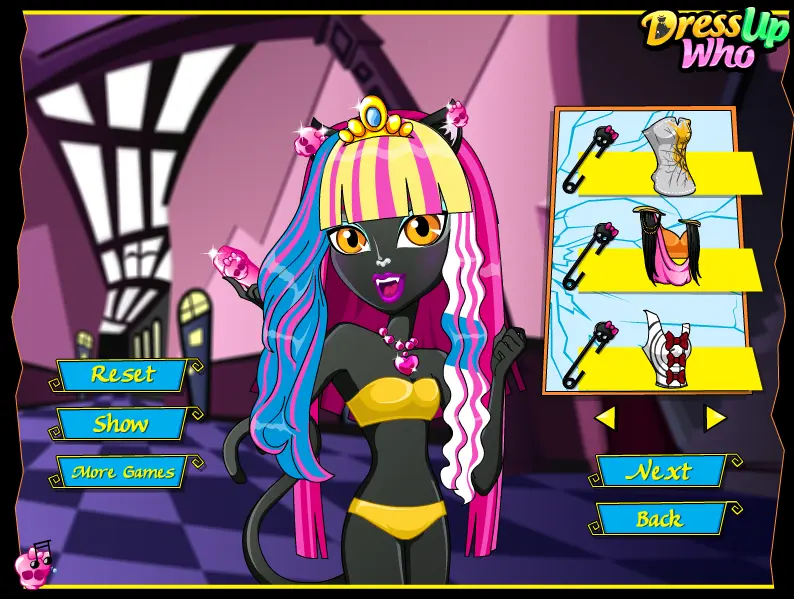
Catty Noir is a super talented werecat girl and a stylish student at the famous Monster High School. She struggled from an early age for a place in the music industry and now, at her 16 year-old, Catty is a world-famous pop star and teen idol, who has many fans at Monster High! Entertaining others is one of Catty’s favorite activities in life, but even if she enjoins doing that she’s a bit upset because she doesn’t have too much time left to take care of herself, so can you help her out, ladies? Step in getting this brand new Monster High game started and first of all help our stunning little diva here deal with her hair. Give it a professional wash and care and then cut Catty’s blunt tips in order to obtain a better look for it. Pick up your favorite styling tool to arrange Catty’s brand-new hairstyle and then feel free to go to the next page of the game to deal with her makeup look, too. Choose the loveliest pastel colors for her eyeshadow and a bold lipstick color to create a flawless makeup look for our super talented singer here. Then go to the next page of the game and select a fancy outfit to dress her up with and the right accessories for a complete celebrity look! Enjoy playing the Monster High ‘Catty Noir Hairstyles’ game!
About BeeGames social
Playground and Play together are the BeeGames social layer — so you're never just playing alone.
What is a Playground?
Your Playground is your own personal game homepage. Pin the games you love, give it a name and a short bio, then make it public to share your personal arcade with anyone.
How do I use my Playground?
On any game page, tap “Playground” to pin that game. Head to My Playground to edit its name, bio and layout, then share your public link with friends.
What is Play together?
Play together lets you co-play the same game with friends in real time. Open a game room and everyone can play side by side while chatting in the room — like crowding around one screen, online.
How do I play with friends?
Tap “Play together” on a game page, pick a public room or a private one with a password, then share the room link with friends. You can also browse and join open rooms from the Lobby.