
The size of the game must not exceed 10 KBs.
The size of the game must not exceed 10 KBs.
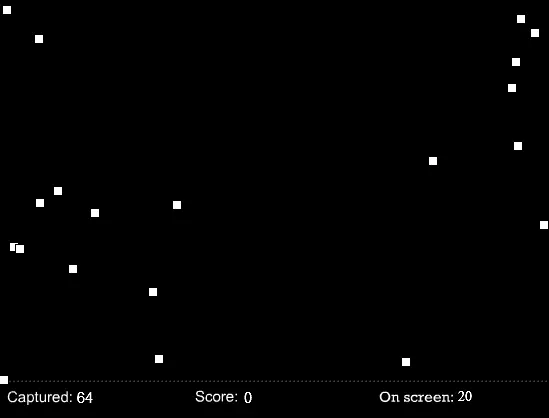
Instructions Click on bytes to capture them. Use captured bytes to buy upgrades with the hotkeys. Hotkeys: B – Burns a captured byte to create score. – Cost: 1 R – Converts a score into a captured byte. E – Drains captured bytes. If the score is above 100, also captures bytes that collide with the cursor. – Cost: 0.5 Q – Use captured bytes to increase the score you get from burning by 1. The upgrade cost is increased by 100 after every purchase. (The amount of score subtracted with R is also increased, but the amount of bytes gained remains 1.) – Cost: 100 A – Increases the amount of bytes gained when capturing bytes by 1. The upgrade cost is increased by 100 after every purchase. – Cost: 100 W – Delete the virus. – Cost: 10240 Description Once upon a time, there was a great gaming website called gregatekong.com. A developer called UnderGradien set up a contest to decide who can make the best game in ten days while the game’s size can’t exceed the 10 kilobytes limit. A few brave fellows (including you) have decided to participate. But one of them, (not going to call names) created a virus to increase the other contestants’ game file’s size above the maximum limit. You have made a game with the file size of 9936 bytes. You must prevent the virus from expanding your game with 304 bytes. Luckily, you just bought this super-awesome-antivirus-software to deal with the virus by using it’s own features against it. Controll the super-awesome-antivirus-software, and delete the virus to qualify for the contest. Made for the Game in Ten Days contest’s 13th round. Theme: 10kb game contest. Your game cannot exceed the 10kb file size. Total file size: 10,129 bytes
About BeeGames social
Playground and Play together are the BeeGames social layer — so you're never just playing alone.
What is a Playground?
Your Playground is your own personal game homepage. Pin the games you love, give it a name and a short bio, then make it public to share your personal arcade with anyone.
How do I use my Playground?
On any game page, tap “Playground” to pin that game. Head to My Playground to edit its name, bio and layout, then share your public link with friends.
What is Play together?
Play together lets you co-play the same game with friends in real time. Open a game room and everyone can play side by side while chatting in the room — like crowding around one screen, online.
How do I play with friends?
Tap “Play together” on a game page, pick a public room or a private one with a password, then share the room link with friends. You can also browse and join open rooms from the Lobby.