
2010 HNY
2010 HNY
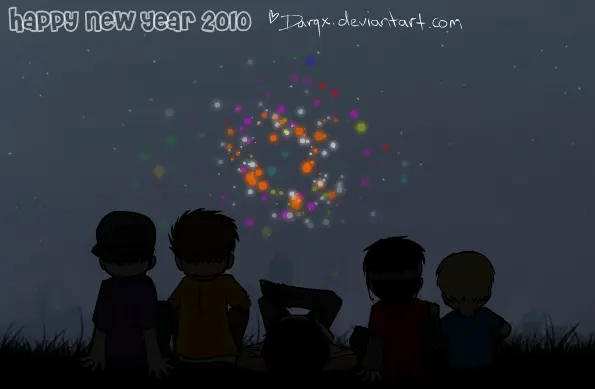
https://newyearplz.deviantart.com/ for 2010! It's been New Years for a while now here, but seeing as i started this thing only a couple of hours before 12am i ended up finishing it a bit late |D I had to find a few bits of code. Mine was a quiet celebration with the family. All us youngsters spent most of our time playing random computer games lol. --- RESOURCES + STUFF :bulletred: Fireworks AS3 (which i modded): http://webscripts.softpedia.com/script/Flash-Components/Fireworks-Sanz-54513.html :cd: Music: http://www.newgrounds.com/audio/listen/98933 --- Flash + characters © me [*https://darqx.deviantart.com/]
About BeeGames social
Playground and Play together are the BeeGames social layer — so you're never just playing alone.
What is a Playground?
Your Playground is your own personal game homepage. Pin the games you love, give it a name and a short bio, then make it public to share your personal arcade with anyone.
How do I use my Playground?
On any game page, tap “Playground” to pin that game. Head to My Playground to edit its name, bio and layout, then share your public link with friends.
What is Play together?
Play together lets you co-play the same game with friends in real time. Open a game room and everyone can play side by side while chatting in the room — like crowding around one screen, online.
How do I play with friends?
Tap “Play together” on a game page, pick a public room or a private one with a password, then share the room link with friends. You can also browse and join open rooms from the Lobby.