
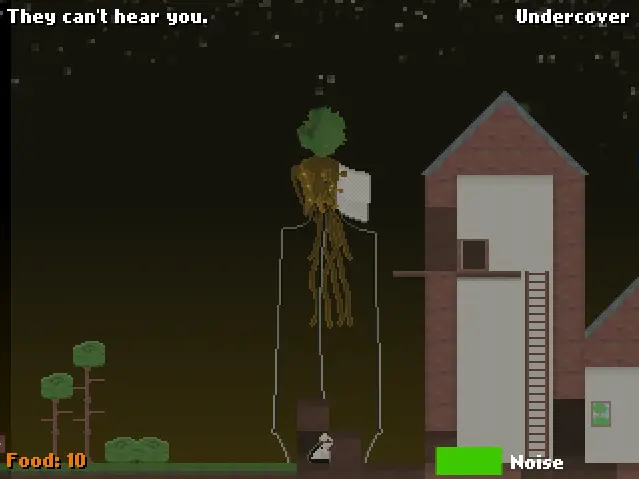
Me and the Martians
Me and the Martians
Left/Right arrows to walk Up/Down arrows to climb ladders Down arrow to toggle/hold ducking, depending on settings X to jump C to continue/finish dialogue Up/Down arrows to select yes/no during certain dialogue I am a boss at programming. On a completely unrelated note, saving is broken. Art+Programming - Yohei Nojiri Music - Daniel Kerley Software/libraries used: LMMS, Flixel, Bfxr, Flashdevelop, Audacity, DAME, GIMP, MS Paint EDIT: Woops, forgot to add the source files! CC0 To the extent possible under law, Yohei Nojiri and Daniel Kerley have waived all copyright and related or neighboring rights to Me and the Martians. This work is published from: United Kingdom.
About BeeGames social
Playground and Play together are the BeeGames social layer — so you're never just playing alone.
What is a Playground?
Your Playground is your own personal game homepage. Pin the games you love, give it a name and a short bio, then make it public to share your personal arcade with anyone.
How do I use my Playground?
On any game page, tap “Playground” to pin that game. Head to My Playground to edit its name, bio and layout, then share your public link with friends.
What is Play together?
Play together lets you co-play the same game with friends in real time. Open a game room and everyone can play side by side while chatting in the room — like crowding around one screen, online.
How do I play with friends?
Tap “Play together” on a game page, pick a public room or a private one with a password, then share the room link with friends. You can also browse and join open rooms from the Lobby.