
Stoichiometry Calculator
Stoichiometry Calculator
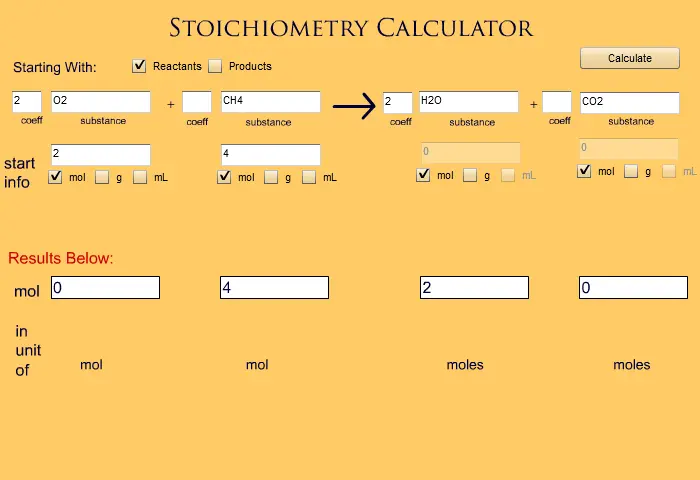
Instructions: 1. Choose if your problem gives you information for the reactants or products. 2. Enter in your BALANCED chemical reaction. Coefficients go in the small boxes, substances in the larger boxes. 3. Choose what unit you want to work in for each substance (mol, grams or milliLiters) by clicking the appropriate boxes, mol is the default. 4. Enter in all needed information (starting amounts, molar masses, molarities, etc) If your problem doesn't give you an amount to work with just leave the "enter amt" text alone. 5. Hit Calculate. Note that hitting the check boxes for "reactant" or "product" will reset many of the fields. After one calculation, you may change any number you wish and hit calculate again.
About BeeGames social
Playground and Play together are the BeeGames social layer — so you're never just playing alone.
What is a Playground?
Your Playground is your own personal game homepage. Pin the games you love, give it a name and a short bio, then make it public to share your personal arcade with anyone.
How do I use my Playground?
On any game page, tap “Playground” to pin that game. Head to My Playground to edit its name, bio and layout, then share your public link with friends.
What is Play together?
Play together lets you co-play the same game with friends in real time. Open a game room and everyone can play side by side while chatting in the room — like crowding around one screen, online.
How do I play with friends?
Tap “Play together” on a game page, pick a public room or a private one with a password, then share the room link with friends. You can also browse and join open rooms from the Lobby.