
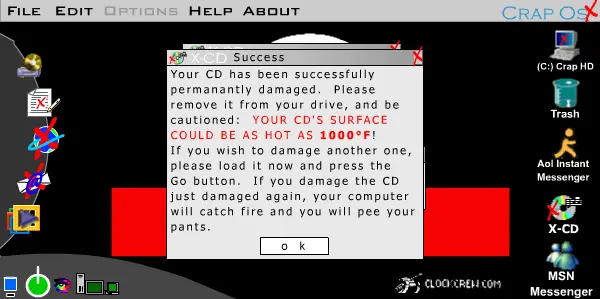
Crap Os X
Crap Os X
Well, here it is. Crap Os X has arrived, and I've been working not stop on this thing so hard...blah blah blah so forth on about my stupid speech on how I'm so dedicated to this shit. Anyways, as always, I apologize about the file size. I tried to export it with Flash MX while compressing it, but the frames weren't on track with the sound streams. They weren't syncing, in another words. And for all of those who missed out on the first one because they didn't have the flash 6 player...rejoice..for you only need flash 5. Enjoy.. Oh yeah..and if there are bugs or problems or anything just post them in the review and I'll get to updating them ASAP. Oh by the way... Happy New Years Everyone.
About BeeGames social
Playground and Play together are the BeeGames social layer — so you're never just playing alone.
What is a Playground?
Your Playground is your own personal game homepage. Pin the games you love, give it a name and a short bio, then make it public to share your personal arcade with anyone.
How do I use my Playground?
On any game page, tap “Playground” to pin that game. Head to My Playground to edit its name, bio and layout, then share your public link with friends.
What is Play together?
Play together lets you co-play the same game with friends in real time. Open a game room and everyone can play side by side while chatting in the room — like crowding around one screen, online.
How do I play with friends?
Tap “Play together” on a game page, pick a public room or a private one with a password, then share the room link with friends. You can also browse and join open rooms from the Lobby.