
Ship Mixer
Ship Mixer
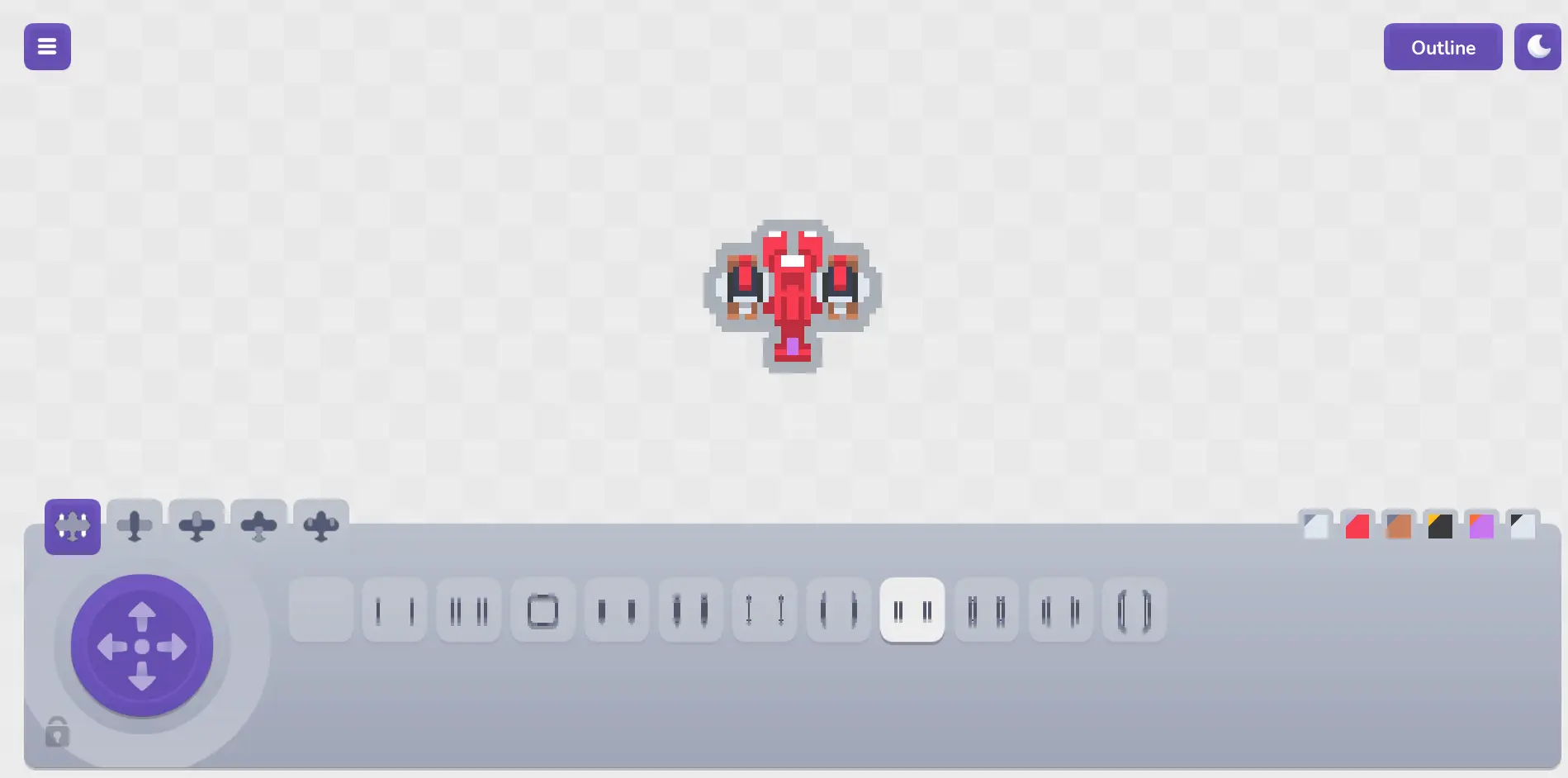
Create ships that perfectly fit the free-to-use Pixel Shmup asset package. License Creations made using this software and art featured in this software can be used in personal, educational and commercial projects of any kind, strictly excluding those relating to or containing non-fungible tokens (so-called "NFT") or blockchain (related) projects. Giving attribution and making a donation is greatly appreciated, but not mandatory. Instructions Select category tabs to browse through all parts, select one to replace it and use the arrows on the left to position it (optionally). The right tabs are the color palette, select a color to replace it - do note that not all colors are always in use. Click the ship to stop the animation and flip through the frames, once all frames have been flipped through the animation will start playing again. When randomizing you can click the lock for each category or color to keep the currently selected one.
About BeeGames social
Playground and Play together are the BeeGames social layer — so you're never just playing alone.
What is a Playground?
Your Playground is your own personal game homepage. Pin the games you love, give it a name and a short bio, then make it public to share your personal arcade with anyone.
How do I use my Playground?
On any game page, tap “Playground” to pin that game. Head to My Playground to edit its name, bio and layout, then share your public link with friends.
What is Play together?
Play together lets you co-play the same game with friends in real time. Open a game room and everyone can play side by side while chatting in the room — like crowding around one screen, online.
How do I play with friends?
Tap “Play together” on a game page, pick a public room or a private one with a password, then share the room link with friends. You can also browse and join open rooms from the Lobby.