
Shake Art DELUXE
Shake Art DELUXE
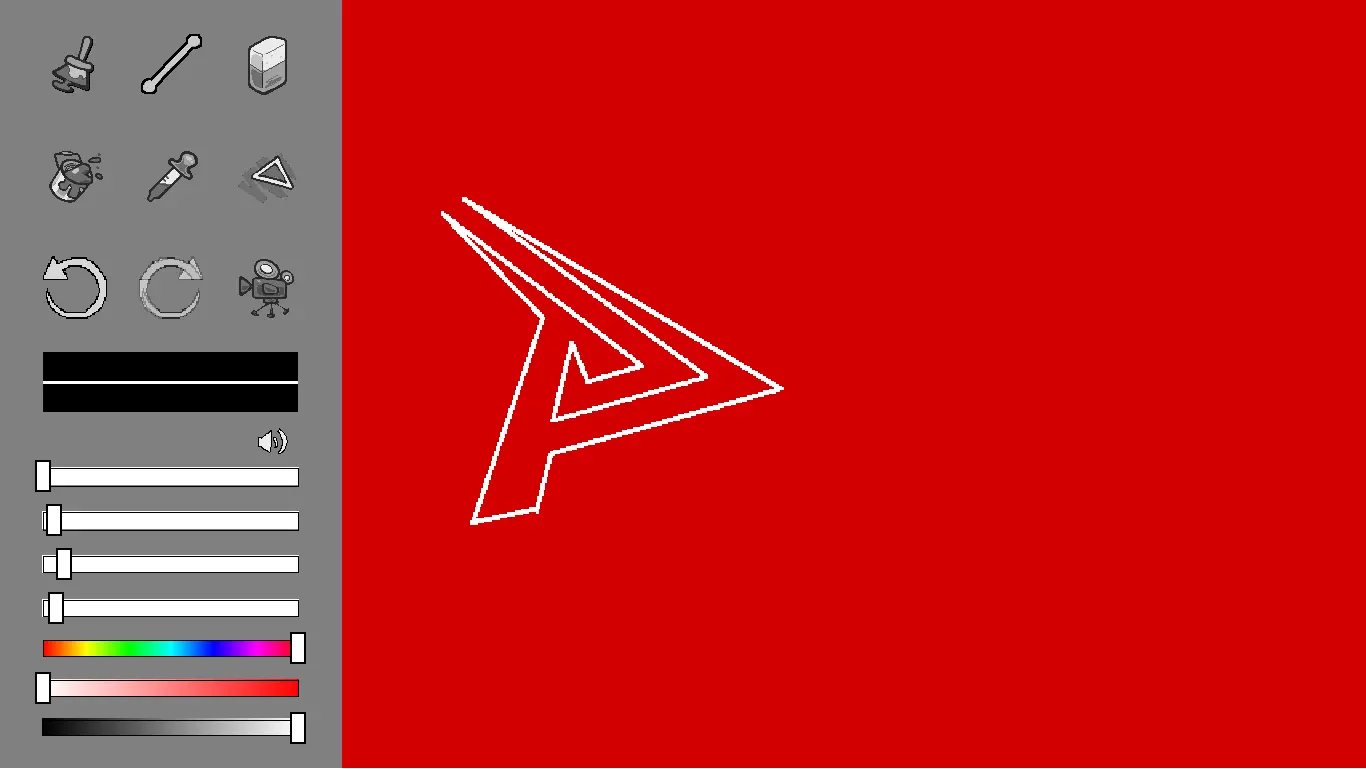
IMPORTANT: GIF saving works, it just takes a while. If it freezes, stay on the page and don't worry! It just takes a while to save. Inspired by Vib-Ribbon and PS1 vertex jitter, I bring to you the complete version of SHAKE ART. Now featuring all the tools of a standard drawing program. CONTROLS Click to draw lines! Click to select tools. Hover over them to see what they do. You can use CTRL+Z to undo. CTRL+Y (or CTRL+SHIFT+Z if you're cool) redoes. R to restart! Mobile controls are also there! The GUI buttons are very helpful in that. It should work on iPad and maybe phones, not too sure about that so let me know what's up in a message! If you make something cool, be sure to export the gif and share it! I worked real hard to add a gif record option straight from the program~ If you're posting your creation on Newgrounds, tag it with shake-art ! If you decide to go to Twitter, use #shakeart, or tag me @studioNOKOI I can't wait to see what everyone makes! A huge thank you to @ayekerik for making the tool icons and to @heyopc for the awesome background music! Big shoutouts as well to @jack and @Stepford for helping me learn GMS2. Love you all!
About BeeGames social
Playground and Play together are the BeeGames social layer — so you're never just playing alone.
What is a Playground?
Your Playground is your own personal game homepage. Pin the games you love, give it a name and a short bio, then make it public to share your personal arcade with anyone.
How do I use my Playground?
On any game page, tap “Playground” to pin that game. Head to My Playground to edit its name, bio and layout, then share your public link with friends.
What is Play together?
Play together lets you co-play the same game with friends in real time. Open a game room and everyone can play side by side while chatting in the room — like crowding around one screen, online.
How do I play with friends?
Tap “Play together” on a game page, pick a public room or a private one with a password, then share the room link with friends. You can also browse and join open rooms from the Lobby.