
WEBVR SHOWROOM
WEBVR SHOWROOM
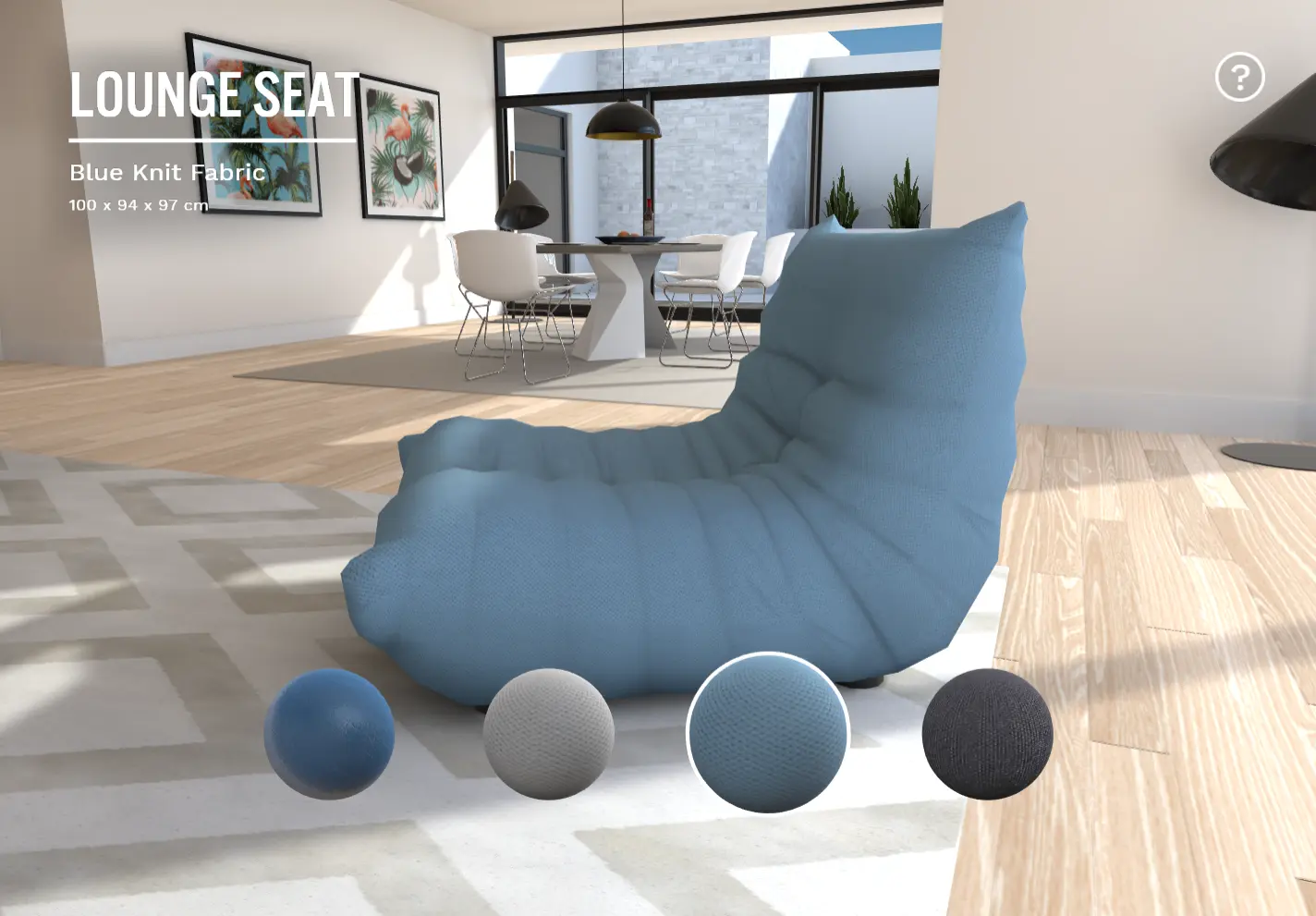
Step inside a virtual showroom built with WebGL and WebVR. This is an interior visualization demo. It aims to illustrate how WebGL and WebVR offer new ways to showcase and customize products on the Web. This demo features physically-based materials to accurately represent surfaces and objects. Since it's running in real-time 3D, you are able to inspect objects from every angle, and even customize their appearance. For the most immersive experience, you can view it in VR in your browser. We created this project from the ground up. All of the following was done by our studio: UX/UI design, 3D modeling and texturing, WebGL and web development.
About BeeGames social
Playground and Play together are the BeeGames social layer — so you're never just playing alone.
What is a Playground?
Your Playground is your own personal game homepage. Pin the games you love, give it a name and a short bio, then make it public to share your personal arcade with anyone.
How do I use my Playground?
On any game page, tap “Playground” to pin that game. Head to My Playground to edit its name, bio and layout, then share your public link with friends.
What is Play together?
Play together lets you co-play the same game with friends in real time. Open a game room and everyone can play side by side while chatting in the room — like crowding around one screen, online.
How do I play with friends?
Tap “Play together” on a game page, pick a public room or a private one with a password, then share the room link with friends. You can also browse and join open rooms from the Lobby.