
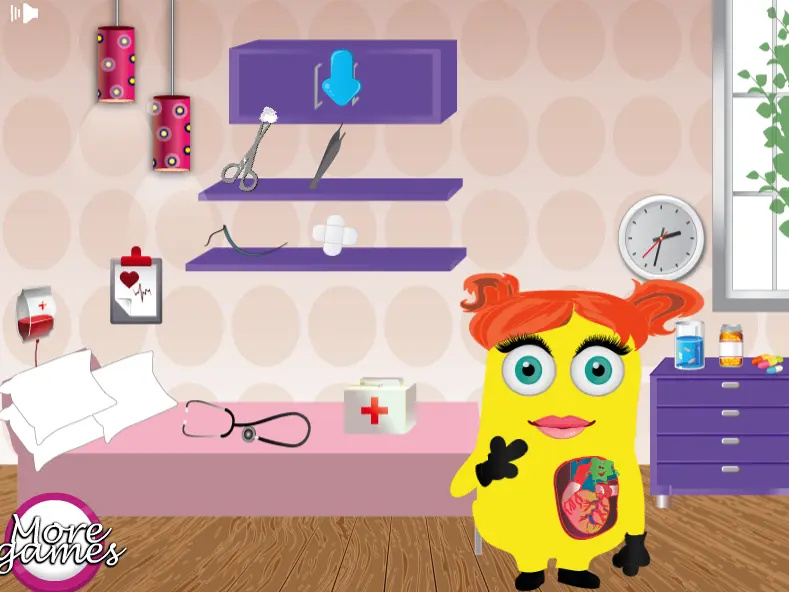
Minion Heart Surgery
Minion Heart Surgery
It's time to continue today's following new batch of games with another amazing doctor adventure where you're going to meet with your beloved Minion characters, so, let's join them within this fun new game Minion Girl Heart Surgery, a game in which you will get to test your doctor skills. Come and join the beautiful Minion girl in this interesting doctor game Minion Girl Heart Surgery, and let's help the minion girl feel better after her heart surgery. The minion girl has a terrible heart condition and she might die if she doesn't get the right treatment, so, let's join her within this fun new game Minion Girl Heart Surgery, a game where you girls will have to use these doctor tools and do the surgery by yourself, but don't worry if you don't quite know how to use those tools because you will be assisted the whole time. We assure you girls that you're going to have such a good time proving your skills as a surgeon playing this lovely new doctor game Minion Girl Heart Surgery, so, make sure you stay tuned on our site gamesonlinekids.com for more exciting Minions games!
About BeeGames social
Playground and Play together are the BeeGames social layer — so you're never just playing alone.
What is a Playground?
Your Playground is your own personal game homepage. Pin the games you love, give it a name and a short bio, then make it public to share your personal arcade with anyone.
How do I use my Playground?
On any game page, tap “Playground” to pin that game. Head to My Playground to edit its name, bio and layout, then share your public link with friends.
What is Play together?
Play together lets you co-play the same game with friends in real time. Open a game room and everyone can play side by side while chatting in the room — like crowding around one screen, online.
How do I play with friends?
Tap “Play together” on a game page, pick a public room or a private one with a password, then share the room link with friends. You can also browse and join open rooms from the Lobby.