
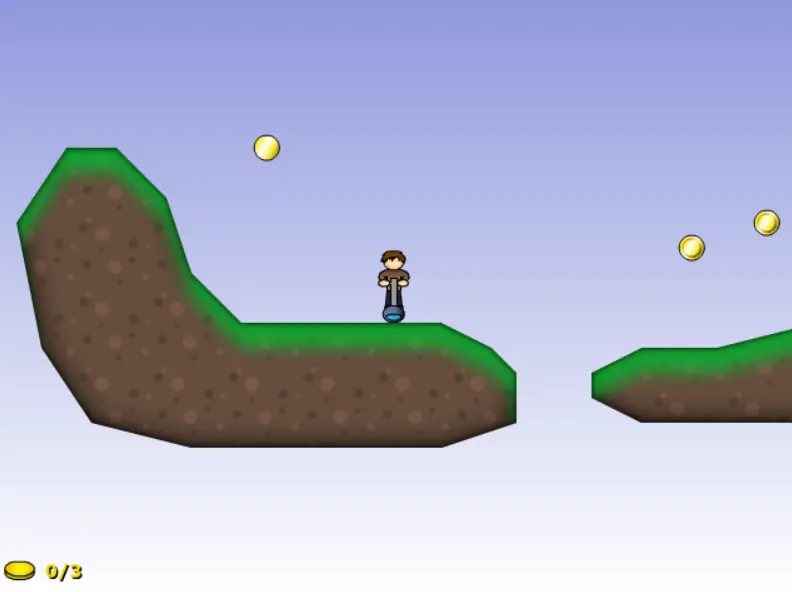
Pojuko!
Pojuko!
MAJOR UPDATE: The game now uses mouse controls, so if you played this game on your keyboard, it's a whole new ballgame with a mouse. Jumping now charges twice as faster, you can sway at a further angle, some levels have been made simpler, etc) NOTE: It say's it's the Kongregate only version, but I forgot to delete that text. I'm re-uploading a new version without the text. Sorry about the mix-up. UPDATE: Thanks for Frontpage Tom/NG... I don't know why this game is scoring so low though. Reviewers are typically saying great things about the game so can I get more comments as to why people don't seem to like this game? UPDATE: Tutorial shortened. Hello again Newgrounds! Pojuko is a physics based platformer filled with 20 levels of crazy bouncing fun, with the ability to let users make their own levels! Pojuko hosts a unique movement system which offers players a whole new way of experiencing 2D platormers! Feel free to post map codes wherever you like (more details in my Newgrounds account blog/news) so that others can see your creative level making talents. Be sure to post your best levels (anywhere on the internet) with your e-mail address and a name to give credit to for the chance to see your level in the possible next version of Pojuko, which will feature a selection of my favourite user created maps... that is of course if people actually enjoy the game... This game does not contain a high score system because they are too easy to exploit. Instead, I recommend that players post their best times or amazing slope mastering skills in video format on a website like YouTube! I hope you all enjoy the game!
About BeeGames social
Playground and Play together are the BeeGames social layer — so you're never just playing alone.
What is a Playground?
Your Playground is your own personal game homepage. Pin the games you love, give it a name and a short bio, then make it public to share your personal arcade with anyone.
How do I use my Playground?
On any game page, tap “Playground” to pin that game. Head to My Playground to edit its name, bio and layout, then share your public link with friends.
What is Play together?
Play together lets you co-play the same game with friends in real time. Open a game room and everyone can play side by side while chatting in the room — like crowding around one screen, online.
How do I play with friends?
Tap “Play together” on a game page, pick a public room or a private one with a password, then share the room link with friends. You can also browse and join open rooms from the Lobby.