
Micro Life
Micro Life
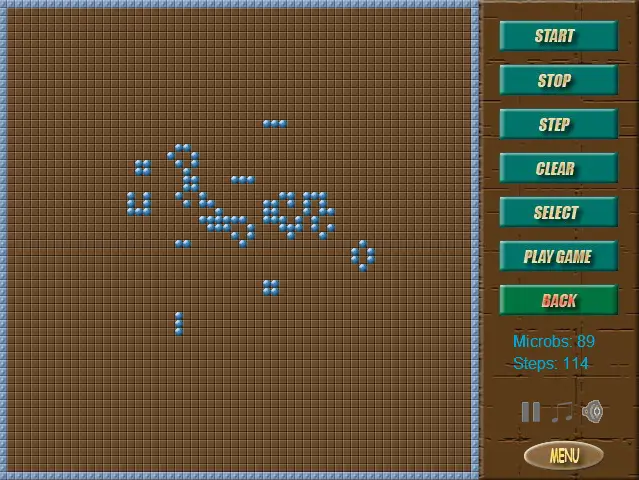
Create microbs population and look how it changes. Author Comments: Each cell has 8 near cells: 4 side and 4 corner. 1. If microb cell has less than 2 near microb cells - it dies. 2. If microb cell has more than 3 near microb cells - it dies. 3. If empty cell has exactly 3 near microb cells - it produces new microb cell. There are 3 basic formation types: 1. Stable - do not change. 2. Pulsing - repeat their formation periodically. 3. Moving - move to the specific direction. You can choose some of them clicking on - Select button. You can also make real battle clicking - Play Game button. Click button Your Army - you can put your cells (blue). Enemy 1 has red cells, Enemy 2 - green cells, Enemy 3 - yellow cells. To finish battle mode - click Clear button.
About BeeGames social
Playground and Play together are the BeeGames social layer — so you're never just playing alone.
What is a Playground?
Your Playground is your own personal game homepage. Pin the games you love, give it a name and a short bio, then make it public to share your personal arcade with anyone.
How do I use my Playground?
On any game page, tap “Playground” to pin that game. Head to My Playground to edit its name, bio and layout, then share your public link with friends.
What is Play together?
Play together lets you co-play the same game with friends in real time. Open a game room and everyone can play side by side while chatting in the room — like crowding around one screen, online.
How do I play with friends?
Tap “Play together” on a game page, pick a public room or a private one with a password, then share the room link with friends. You can also browse and join open rooms from the Lobby.