
Printing Press
Printing Press
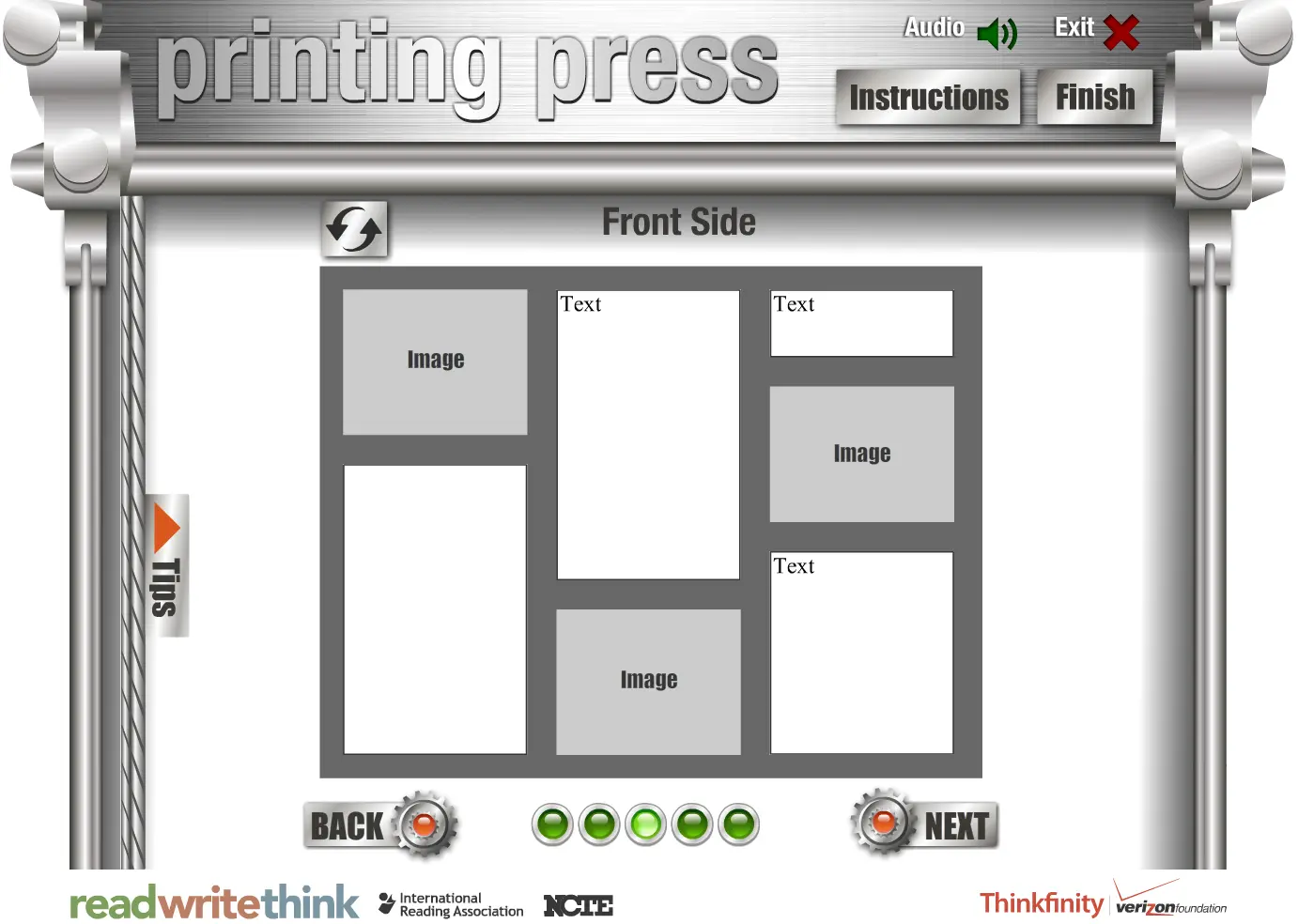
The interactive Printing Press is designed to assist students in creating newspapers, brochures, and flyers. Teachers and students can choose from several templates to publish class newspapers, informational brochures, and flyers announcing class events. Text added to the templates can be modified using a simple WYSIWYG editor, which allows students to choose text features, such as font size and color. Documentation for the Printing Press includes instructions for using the tool. Customized versions of the tool, which include additional instructions and more focused choices, are included with some lessons. A basic planning sheet is available to help students gather ideas before working on this interactive tool.
About BeeGames social
Playground and Play together are the BeeGames social layer — so you're never just playing alone.
What is a Playground?
Your Playground is your own personal game homepage. Pin the games you love, give it a name and a short bio, then make it public to share your personal arcade with anyone.
How do I use my Playground?
On any game page, tap “Playground” to pin that game. Head to My Playground to edit its name, bio and layout, then share your public link with friends.
What is Play together?
Play together lets you co-play the same game with friends in real time. Open a game room and everyone can play side by side while chatting in the room — like crowding around one screen, online.
How do I play with friends?
Tap “Play together” on a game page, pick a public room or a private one with a password, then share the room link with friends. You can also browse and join open rooms from the Lobby.