
Custom Bird
Custom Bird
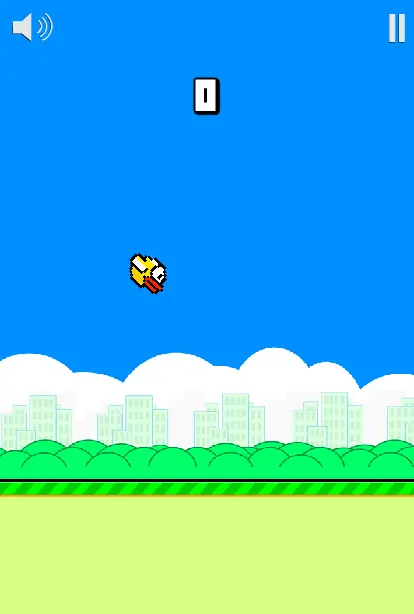
FlappyBird with customisable game speed, player and background images and more! Author Comments: CustomBird! What started as a small exercise to see if I could recreate Flappy Bird turned into this fun project! - Customise game speed to score more points on higher speeds! - Customise nearly everything from the bird itself to the background and colour of the pipes and ground! - Let your scores be seen worldwide with an implemented leaderboard! - Play a faithful recreation of the original if you wish! (For best results, use a png image with transparency 75 × 75 for the player and any type of image 420 × 620 for the background) Thanks for playing! Also you may have noticed my sneaky little banner ad for One Fitness Daily, my fitness app available on iPhone and Android so please check that out if your’e looking to get active :) Side note: If anyone knows how to customise sounds in a similar way to how I have customised the images please tell me. I’d love to update the game to include that feature. If the game is popular enough I will also add some bonus items such as hats and sunglasses. IF YOU ARE STUCK AT THE GET READY SCREEN AND SPACE BAR WON’T WORK, USE THE MOUSE Space/Left Mouse Button: Jump M: Mute (In game button also available) Q: Pause (In game button also available) R: Restart Current Game
About BeeGames social
Playground and Play together are the BeeGames social layer — so you're never just playing alone.
What is a Playground?
Your Playground is your own personal game homepage. Pin the games you love, give it a name and a short bio, then make it public to share your personal arcade with anyone.
How do I use my Playground?
On any game page, tap “Playground” to pin that game. Head to My Playground to edit its name, bio and layout, then share your public link with friends.
What is Play together?
Play together lets you co-play the same game with friends in real time. Open a game room and everyone can play side by side while chatting in the room — like crowding around one screen, online.
How do I play with friends?
Tap “Play together” on a game page, pick a public room or a private one with a password, then share the room link with friends. You can also browse and join open rooms from the Lobby.