
Smiley Jump Mania
Smiley Jump Mania
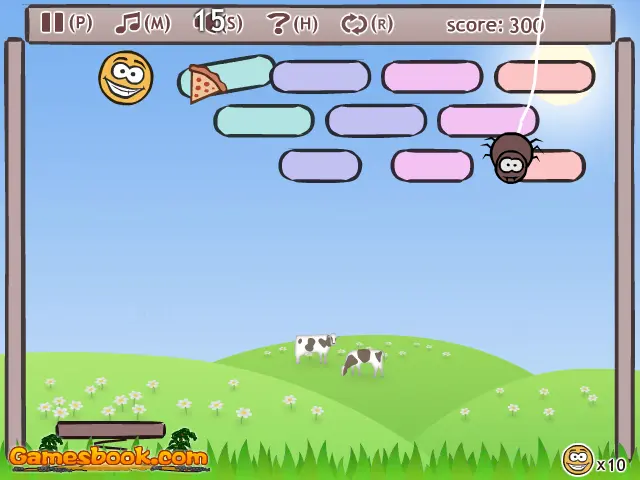
Make the smiley bounce on the springboard and make it hit the bricks so that they fall. Author Comments: That's fun, a smiley version of arkanoid! Make the smiley bounce on the springboard and make it hit the bricks so that they fall. The smiley may not hit the ground, and it should also stay away from the cord the spider's hanging on. This game contains six levels, each of them containing five sublevels. You start in the hills, then pass on to the desert. After that, you arrive in the snow, and after having been in the rockies and in the savannah, you arrive in paradise! You can also choose the 'Random level' option: the computer itself will choose a level for you. In each of these levels your smiley has to face different dangers. You can get several bonuses, for example magnets, bullets, missiles, hamburgers, pieces of cake, pizza slices, extra life, speeding up or, on the contrary, slowing down the game. Have fun! Use your mouse to move the springboard. Click to make the smiley bounce, to launch it and to fire bullets. Press P or the spacebar to pause the game.
About BeeGames social
Playground and Play together are the BeeGames social layer — so you're never just playing alone.
What is a Playground?
Your Playground is your own personal game homepage. Pin the games you love, give it a name and a short bio, then make it public to share your personal arcade with anyone.
How do I use my Playground?
On any game page, tap “Playground” to pin that game. Head to My Playground to edit its name, bio and layout, then share your public link with friends.
What is Play together?
Play together lets you co-play the same game with friends in real time. Open a game room and everyone can play side by side while chatting in the room — like crowding around one screen, online.
How do I play with friends?
Tap “Play together” on a game page, pick a public room or a private one with a password, then share the room link with friends. You can also browse and join open rooms from the Lobby.