
Cold Itzler
Cold Itzler
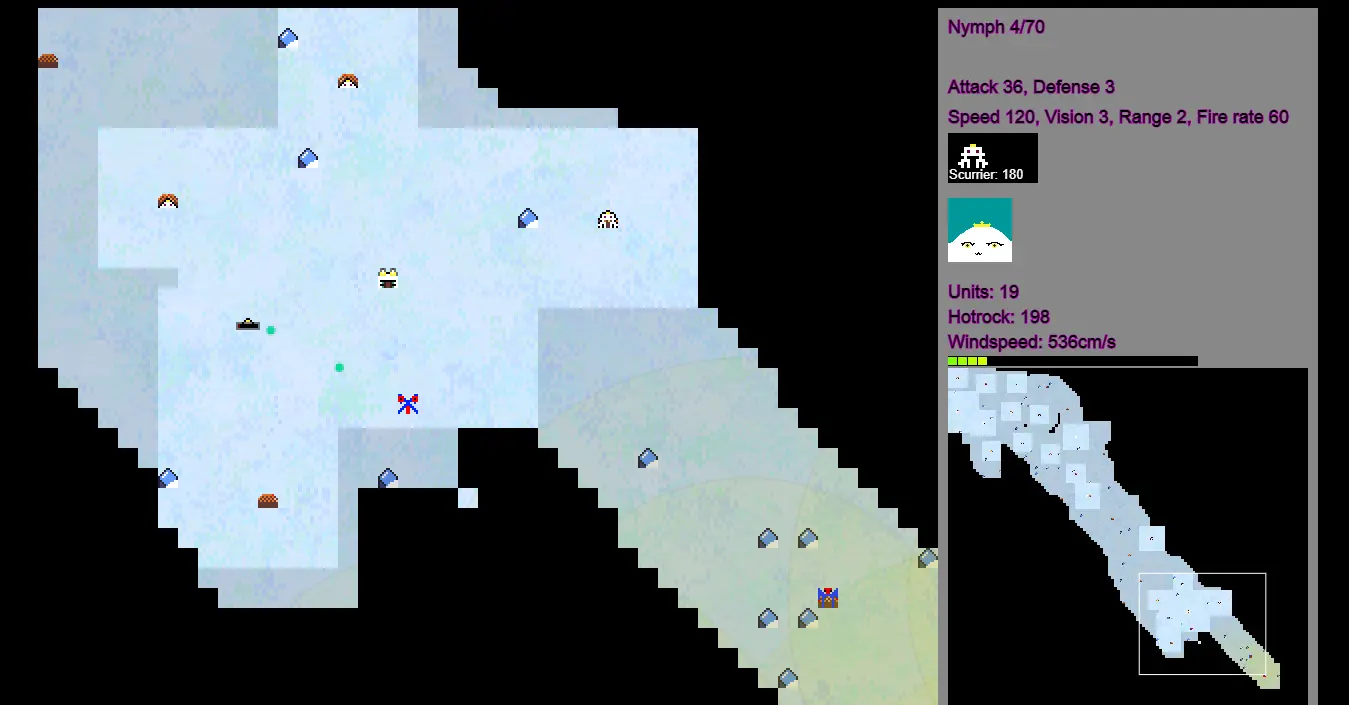
Drag to select your units, command them with right click.Use the minimap to navigate the large map, or WASD.Brown tiles are hotrock, you can harvest them with any unit by standing on the tile. As humans. hold B and click a tile to build a wall, hold x and click a wall to dismantle it.Hold G and click a tile to build a gate, gates can open and closed for units to pass.Hold N and click a tile to build a barracks. Click it to select it to make infantry and snipers using the UI on the right.Hold M and click a tile to build a machine lab. Click it to select it to make scout drones and harvesters using the UI on the right.Humans will freeze to death without wind barrier walls.The wind speed may increase, making survival difficult. As Cold Itzlerians. units can metamorphose into stronger units, this is controlled by clicking the button in the UI on the right.Cold Itzlerians are immune to cold.As the Hamartans, you must condition your air for breathing. Hold B and click to build a spire to condition the airHold N and click for a soldier assemblerHold M and clock for a scout assemblerHold G and click for a 'high-caste' assembler where workers and invaders are made.As the Librilbians; Hold N and click for a bulbplant, it can seed pollinatorsHold M and clock for a podmother, it can create fighting unitsThe podmother can only be planted on soil (within range of the bulbplant). As the Plaztilites your units are poor harvestersHold N and click to build a sporeball, it acts as a hub for your gathering slime pathways.Hold B and click/drag to create slime pathways to collect hotrock, slime can also create fighting units.To collect hotrock, slime pathways must cover the pile, and connect orthagonally all the way to a sporeball, diagonally is not sufficient.
About BeeGames social
Playground and Play together are the BeeGames social layer — so you're never just playing alone.
What is a Playground?
Your Playground is your own personal game homepage. Pin the games you love, give it a name and a short bio, then make it public to share your personal arcade with anyone.
How do I use my Playground?
On any game page, tap “Playground” to pin that game. Head to My Playground to edit its name, bio and layout, then share your public link with friends.
What is Play together?
Play together lets you co-play the same game with friends in real time. Open a game room and everyone can play side by side while chatting in the room — like crowding around one screen, online.
How do I play with friends?
Tap “Play together” on a game page, pick a public room or a private one with a password, then share the room link with friends. You can also browse and join open rooms from the Lobby.