
Auto Rotate
Auto Rotate
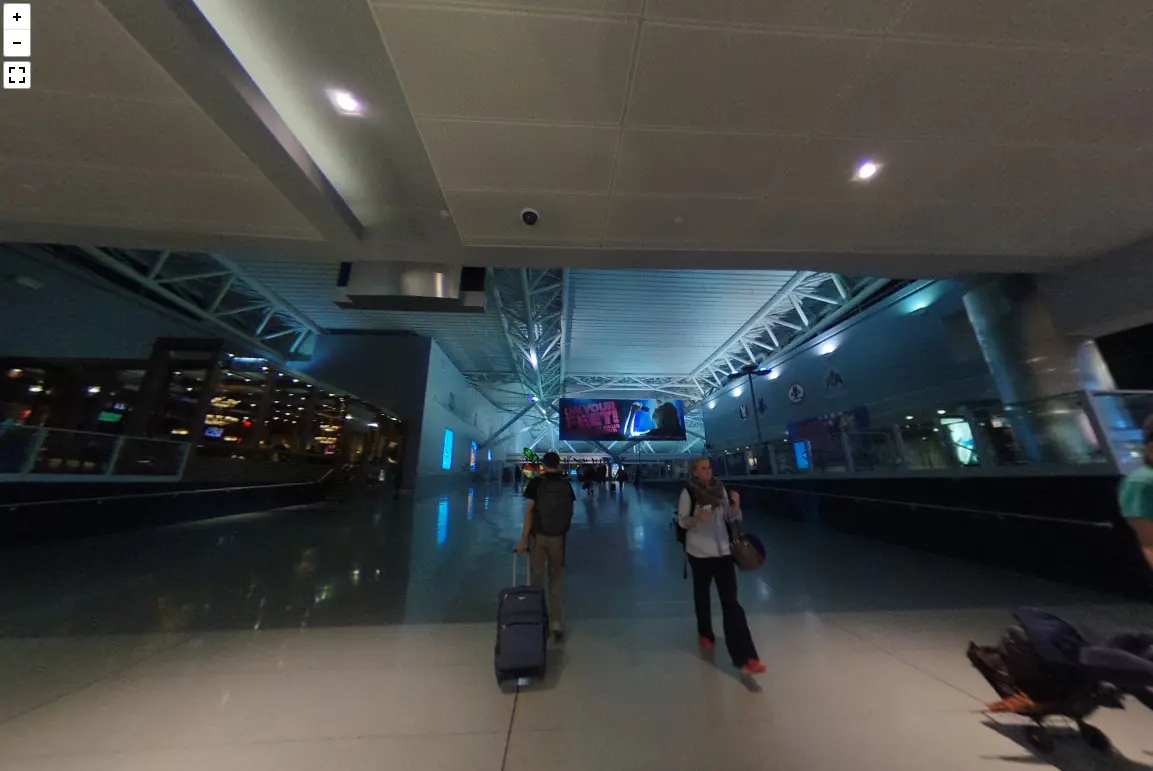
Make the panorama automatically rotate once loaded using the autoRotate parameter. The parameter’s value should be a number, with the value specifying the rotation speed in degrees per second; positive is counter-clockwise, and negative is clockwise. The autoRotateInactivityDelay parameter can also be specified to have the panorama begin rotating again after there is no user interaction for the specified number of milliseconds.
About BeeGames social
Playground and Play together are the BeeGames social layer — so you're never just playing alone.
What is a Playground?
Your Playground is your own personal game homepage. Pin the games you love, give it a name and a short bio, then make it public to share your personal arcade with anyone.
How do I use my Playground?
On any game page, tap “Playground” to pin that game. Head to My Playground to edit its name, bio and layout, then share your public link with friends.
What is Play together?
Play together lets you co-play the same game with friends in real time. Open a game room and everyone can play side by side while chatting in the room — like crowding around one screen, online.
How do I play with friends?
Tap “Play together” on a game page, pick a public room or a private one with a password, then share the room link with friends. You can also browse and join open rooms from the Lobby.