
Blocks Tower
Blocks Tower
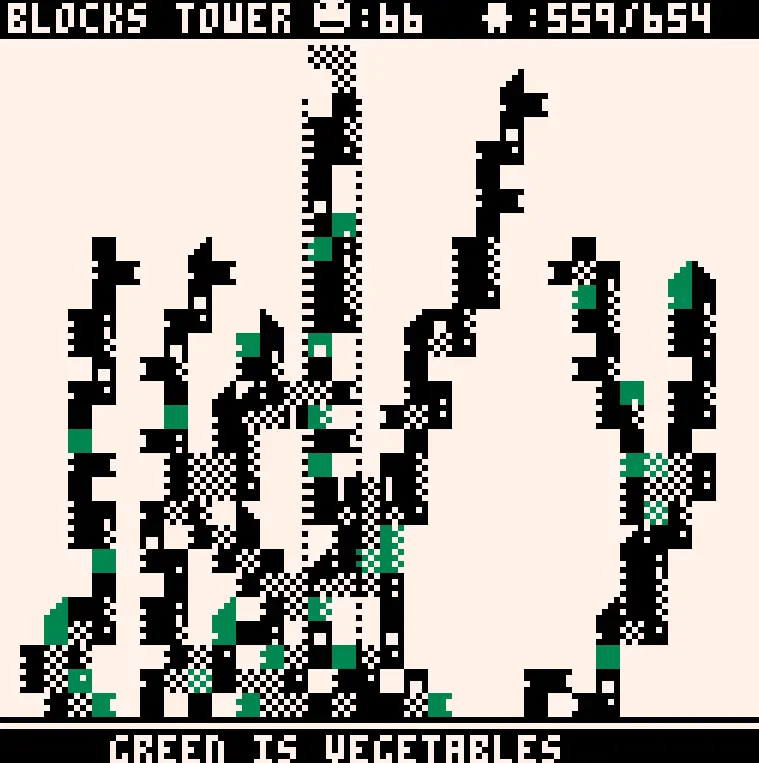
Blocks tower: A little tower builder game. Enjoy building your tower and watch people burn. Also, you can make tower in different shapes. Cat. ( Made by player ) Tips: - Make more room for new residents by putting more blocks. - A green block will supply food for residents. - put multiple blocks in horizontal will increase more room than multiple single blocks or multiple blocks in vertical. - Residents happiness depend on a full stomach and a number of resident per room. - Sad residents tend to set the room on fire. - Fire can prune several residents. - Fire always spread to up or side blocks. - Have a gap between blocks can prevent a fire from spreading. - A burnt green block will change into a normal block. - A ticker text contains useful tips. Control: - left, right arrow for move cursor. - up arrow for put a block.
About BeeGames social
Playground and Play together are the BeeGames social layer — so you're never just playing alone.
What is a Playground?
Your Playground is your own personal game homepage. Pin the games you love, give it a name and a short bio, then make it public to share your personal arcade with anyone.
How do I use my Playground?
On any game page, tap “Playground” to pin that game. Head to My Playground to edit its name, bio and layout, then share your public link with friends.
What is Play together?
Play together lets you co-play the same game with friends in real time. Open a game room and everyone can play side by side while chatting in the room — like crowding around one screen, online.
How do I play with friends?
Tap “Play together” on a game page, pick a public room or a private one with a password, then share the room link with friends. You can also browse and join open rooms from the Lobby.