
我的世界
我的世界
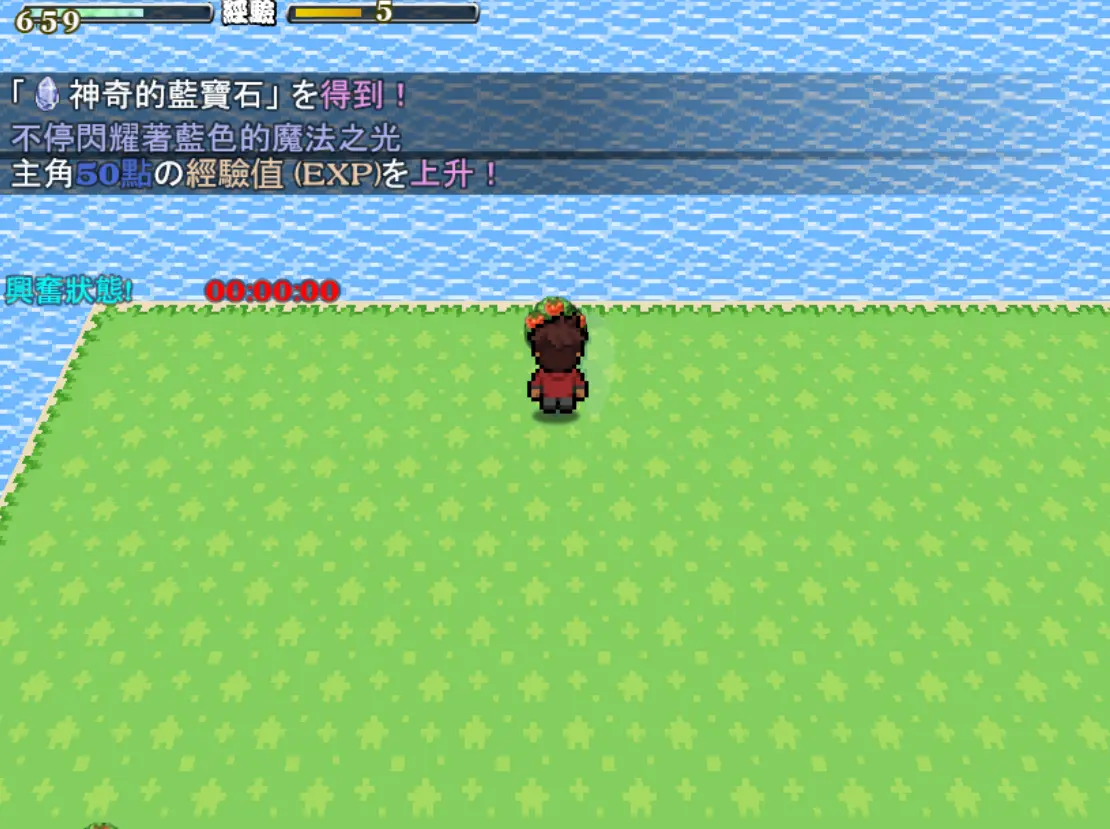
遊戲推薦規則介紹: 2019年暑假.[遊戲人]年度暑假大作 [我的世界] .陪你歡樂過暑假 在這個一片荒蕪的地區... 開採資源.並利用開採的資源.開創出[我的世界]吧! 貼心提醒: 好不容易快過關的時候 記得要打開選單SAVE/儲存一下喔! 下次就可以從儲存的進度開始 ,以免辛苦的努力白費了喔! 遊戲操作: 電腦控制: 01.鍵盤: 上下左右/移動 SPACE空白鍵. 把東西丟出去 02.滑鼠: 滑鼠左鍵. 移動/確定 滑鼠右鍵. 打開/關閉 遊戲選單 手機/平板: 單點.移動/動作 單點(長按). 把東西丟出去 雙點. 打開/關閉 遊戲選單 其他操作: 01.在遊戲中按 F2 打開/關閉 FPS 和 Drawing Mode ( 可觀看遊戲執行效率 只在全螢幕模式可用 ) 02.在遊戲中按 F4 打開/關閉 全屏模式.可開啟全螢幕 FULLSCREEN 03.在遊戲中按 F5 可重新載入 RELOAD
About BeeGames social
Playground and Play together are the BeeGames social layer — so you're never just playing alone.
What is a Playground?
Your Playground is your own personal game homepage. Pin the games you love, give it a name and a short bio, then make it public to share your personal arcade with anyone.
How do I use my Playground?
On any game page, tap “Playground” to pin that game. Head to My Playground to edit its name, bio and layout, then share your public link with friends.
What is Play together?
Play together lets you co-play the same game with friends in real time. Open a game room and everyone can play side by side while chatting in the room — like crowding around one screen, online.
How do I play with friends?
Tap “Play together” on a game page, pick a public room or a private one with a password, then share the room link with friends. You can also browse and join open rooms from the Lobby.