
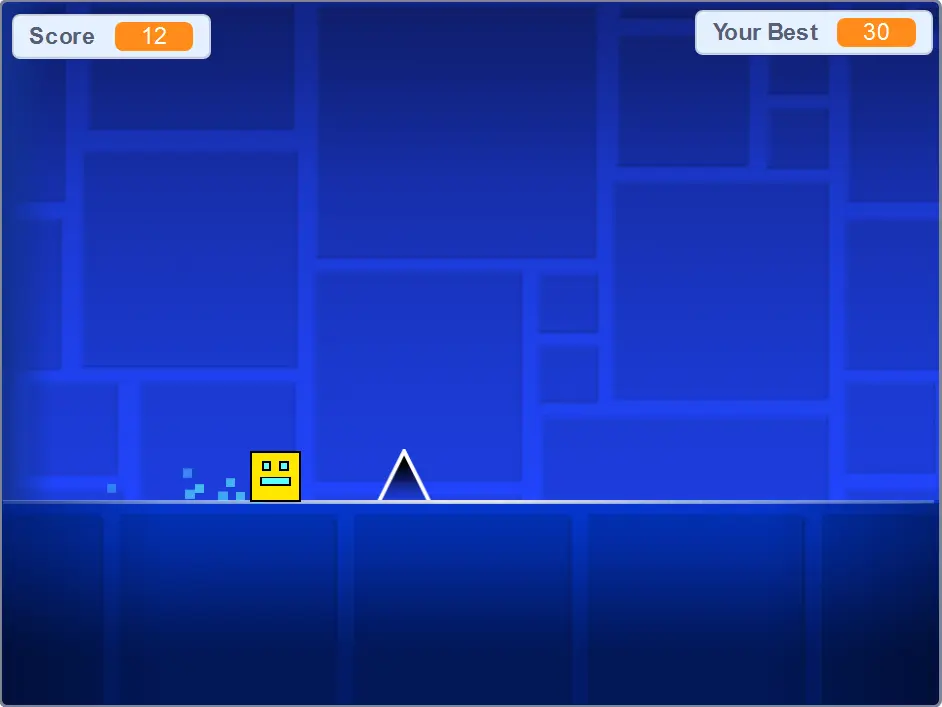
Geometry Dash
Geometry Dash
★ Subscribe to me on YouTube for our my helpful videos on Scratch coding :) - Search up "griffpatch". Instructions ====================================== ● JUMP - [Space], [W], [Up], [Ctr] or clicking the mouse ● PAUSE - [P] is to pause. ● LAG - [L] to toggle the special effects ● Restart - [Green Flag] Only the top 500 scores are recorded - Hope you enjoy! - Griffpatch Change Log ======================================= 9 Apr 2019 - Scratch auto disabled comments on this project because it was slowing things down :( 3 May 2016 - v1.5 - Tweaked jumping mechanics to try to try to get closer to the original game (faster up, slower down). Should make jumping triple spikes easier...? 28 Apr 2016 - v1.4 - Yep - Level 3 time!!! 26 Apr 2016 - v1.3 - Visual changes for colored backgrounds 22 Apr 2016 - v1.2 - Level 2!!! Get to it!!! 20 Apr 2016 - v1.1 - Anti Lag Fixes, 3 Coins (bonus of 25 each) 19 Apr 2016 - v1.0 - Initial Release (1000 loves in one day! woot) Credit =========================================== All credit goes to the original authors and copyright holders of this game RobTop Games. Please support them by visiting their website or downloading their game - It's great fun! :)
About BeeGames social
Playground and Play together are the BeeGames social layer — so you're never just playing alone.
What is a Playground?
Your Playground is your own personal game homepage. Pin the games you love, give it a name and a short bio, then make it public to share your personal arcade with anyone.
How do I use my Playground?
On any game page, tap “Playground” to pin that game. Head to My Playground to edit its name, bio and layout, then share your public link with friends.
What is Play together?
Play together lets you co-play the same game with friends in real time. Open a game room and everyone can play side by side while chatting in the room — like crowding around one screen, online.
How do I play with friends?
Tap “Play together” on a game page, pick a public room or a private one with a password, then share the room link with friends. You can also browse and join open rooms from the Lobby.